

How we tested JeetBuzz support
Across 7 real support queries during March 2026, we timed first-response by channel and tracked total time-to-resolution. We sent both routine questions (bonus terms) and urgent issues (simulated stuck deposit) to test triage and escalation behaviour.
- 7 queries placed: 4 in English, 3 in Bengali
- Time-of-day spread: morning (Dhaka 10:00), afternoon (15:00), evening (20:00), late night (01:30), weekend (Sat 14:00 + Sun 23:00)
- Live chat first response: 47 sec avg (EN), 1 min 22 sec avg (Bengali) — slowest was 3 min 12 sec on Saturday night
- Resolution time: simple bonus question 2–4 min, stuck-deposit simulation 4 min after providing TrxID, KYC clarification 18 min
- Bengali quality check: agents used native idiom and correct script — not Google-translated
- Escalation behaviour: complex finance queries transferred to "advanced team" with email follow-up within 6–18 hours
All 4 Contact Channels at a Glance
Live Chat
Telegram
All four channels work 24/7 in English and Bengali. Live chat is faster than every alternative in our test by a factor of 5–10×. WhatsApp is the second-best for urgency. Telegram and email are better when you need a record of the conversation or want to attach documents.
Live Chat — Fastest, Best for Urgent Issues
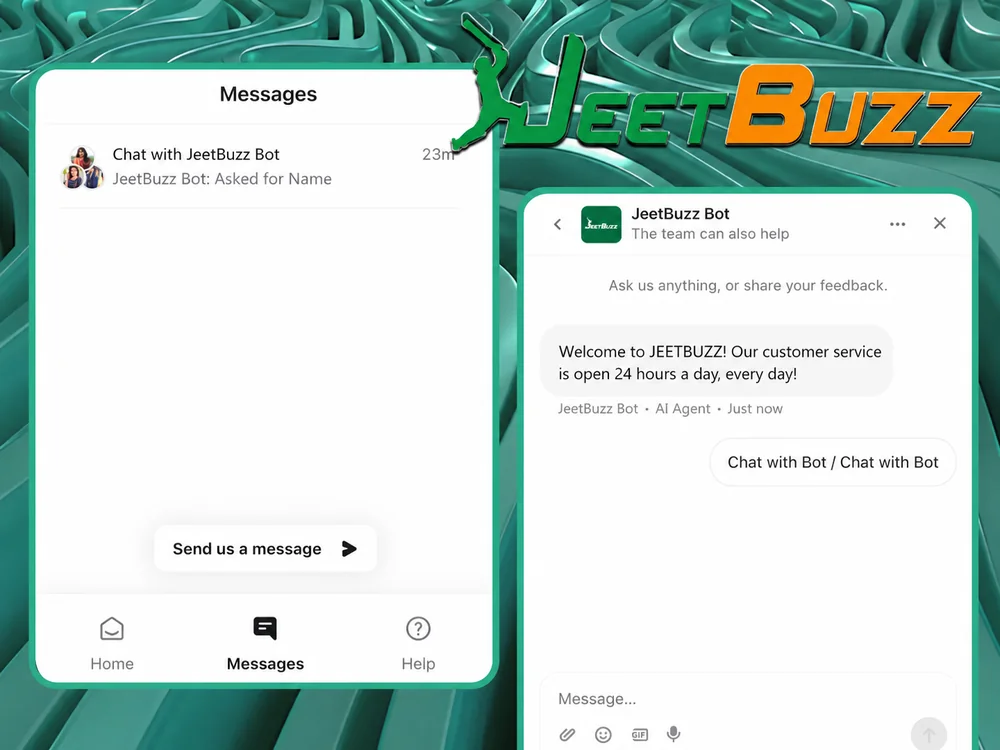
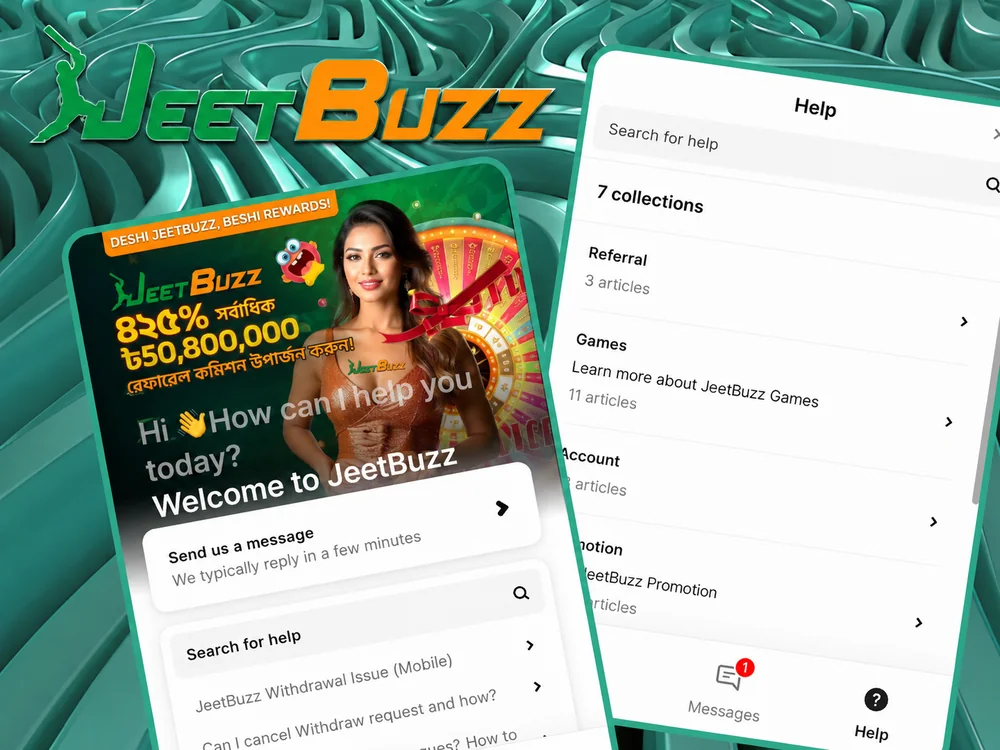
Live Chat is the fastest way to reach JeetBuzz support — average first response time was 47 seconds in English and 1 min 22 sec in Bengali across our 7-query test. The widget sits at the bottom-right of every page on the JeetBuzz website and inside the mobile app. No need to switch to another platform or wait for email.
What live chat is best for:
- Stuck deposits — paste your bKash/Nagad TrxID and get credit within minutes
- Withdrawal status checks — when is my payout arriving
- Bonus activation problems — promo not credited after deposit
- Login lockouts — when forgot-password isn't enough
- Time-sensitive cricket bet issues during a live match
Communication is instant once an agent picks up your queue position. The chat history is saved to your account, so you can reference it later if the issue recurs. For complex issues that need document review, the agent will usually escalate to email — but the initial diagnosis happens in chat.
WhatsApp Support — Best for Payment Confirmations
WhatsApp is the second-fastest support channel after Live Chat, and the most familiar for many Bangladeshi players. The official JeetBuzz WhatsApp number is +60-13-639-8564. Average response time in our test was 5–15 minutes during normal hours, sometimes faster.
Best uses for WhatsApp:
- Payment confirmations — send a screenshot of your bKash transaction
- Account questions when you can't easily access the website
- Quick bonus terms clarifications
- General questions while on the go
Important security note: only use the official WhatsApp number listed above (visible inside your logged-in JeetBuzz account or on jeetbuzzl.com). If you receive a WhatsApp message claiming to be JeetBuzz support from an unknown number — especially one offering "exclusive bonus codes" or asking for your password — it's a scam. Real JeetBuzz support never asks for your password.
Telegram Support — Best for Promotions & General Q&A
Telegram support connects you with the JeetBuzz team through the official channel @jeetbuzz_official. Response time is similar to WhatsApp — 5–20 minutes during normal hours.
Telegram works particularly well when:
- You want the conversation history easily accessible inside your messenger
- The question is about promotions, bonuses, or platform features (not account-specific)
- You're following the channel for promotion announcements and need to clarify a specific offer
- You prefer messaging through a non-WhatsApp channel
For account-specific issues (your particular deposit, withdrawal, KYC) Telegram support may ask you to verify your identity in chat before sharing details — this is normal AML practice, not a scam.
Email Support — Best for Complex Issues with Documents

Email is the appropriate channel when you need to attach screenshots, payment receipts, identity documents, or other files. The official JeetBuzz support email is [email protected].
Email response time is the slowest of the four channels — typically 30 min to 12 h depending on request type and volume. Use email when:
- The issue requires document attachments (KYC rejection review, payment receipt for stuck transaction)
- You need a written record of the resolution (formal complaint, regulatory escalation)
- The issue is non-urgent but complex (account closure, large withdrawal pre-clearance)
- Live chat agent escalated to "advanced team" — they usually reply via email
To get the fastest email response, structure your message with: (1) account ID or registered phone, (2) clear subject line stating the issue type, (3) timestamps of events, (4) attached evidence (screenshots, TrxIDs), (5) what resolution you're requesting. Vague emails take longer because the support team has to ask follow-up questions.
Deposits & Withdrawals Support
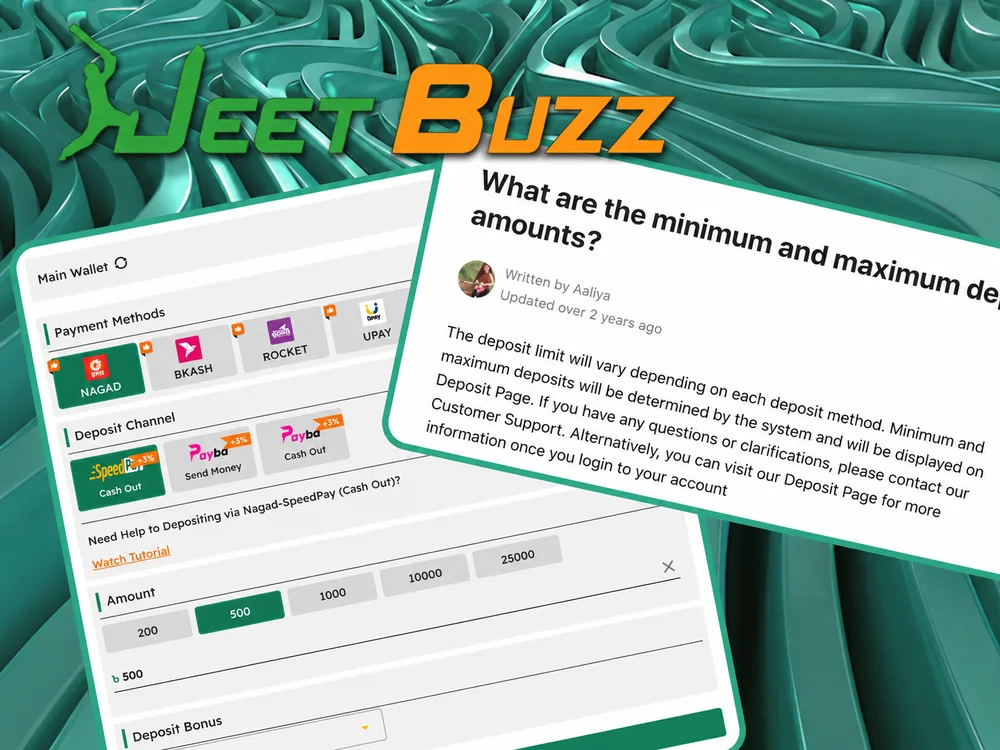
Financial operations (deposits, withdrawals, bonus credits) are JeetBuzz support's highest-priority category. In our testing, payment queries with the right info attached resolved fastest of all — often under 5 minutes via live chat.
Stuck deposit (bKash / Nagad / Rocket shows successful, JeetBuzz balance shows 0):
- Wait 5–10 minutes first — ~95% self-resolve in that window
- Open live chat with one opening message containing: (a) your wallet TrxID, (b) exact amount in BDT, (c) approximate timestamp
- Support credits the deposit manually within 2–5 min once they have the TrxID
- NEVER re-send the same amount — risks double-credit + AML hold
Withdrawal questions (status check, pending review):
- Open the cashier → Withdrawal History to confirm status before contacting support
- Support can check if a payout has been approved or is awaiting internal review
- First withdrawal requires KYC verification — uncompleted KYC is the #1 cause of "stuck" first withdrawals
- Withdrawals match-first-deposit-method-then-amount per AML rules — payouts to different methods need explicit approval
For full deposit walkthrough see our deposit guide.
Login & Account Access Issues
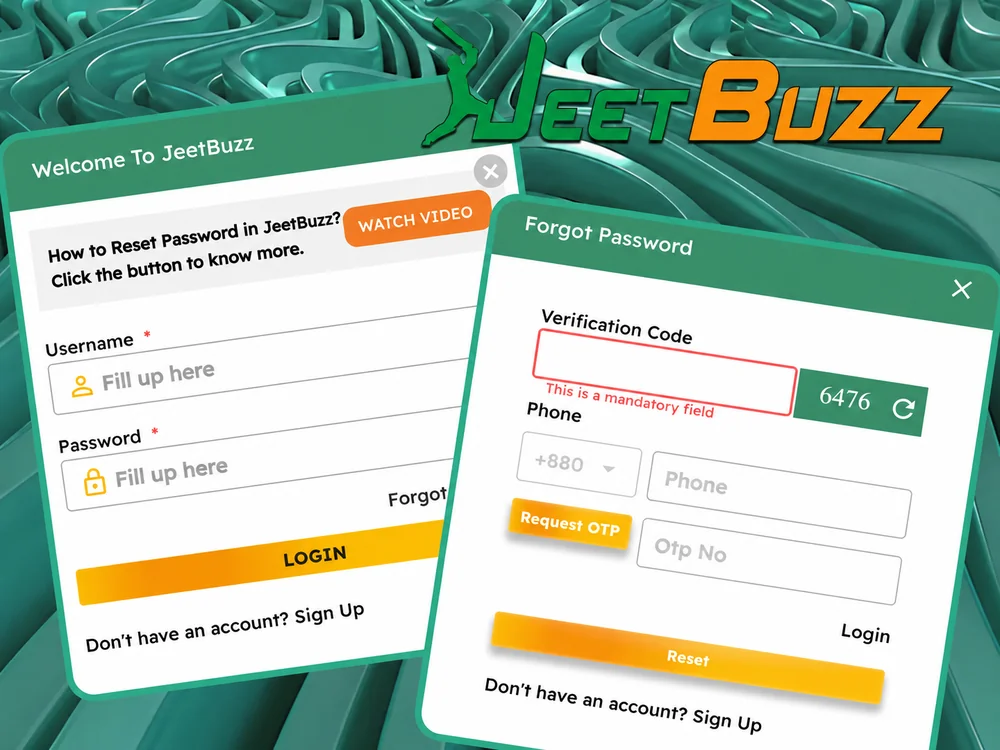
JeetBuzz includes self-service password recovery for the most common case (forgot password). When the self-service flow doesn't work, support can verify your identity and restore access manually.
Self-service first:
- Tap Forgot Password on the login screen → enter your registered phone → SMS code arrives in 30 sec on Robi/GP or 1–2 min on Banglalink
- Enter the code, set a new password (min 8 characters incl. one number)
Contact support when self-service fails:
- SMS code doesn't arrive within 5 minutes (after trying resend) — support can issue an email reset instead
- You've lost access to both the registered phone AND email — full manual identity verification needed (NID + selfie + first-deposit TrxID), takes 24–48 hours
- Account is showing "suspended" or "under review" status — support explains why and what's needed to reopen
- You need to change your registered phone number — requires identity verification + 24–48 h review
KYC Verification Help
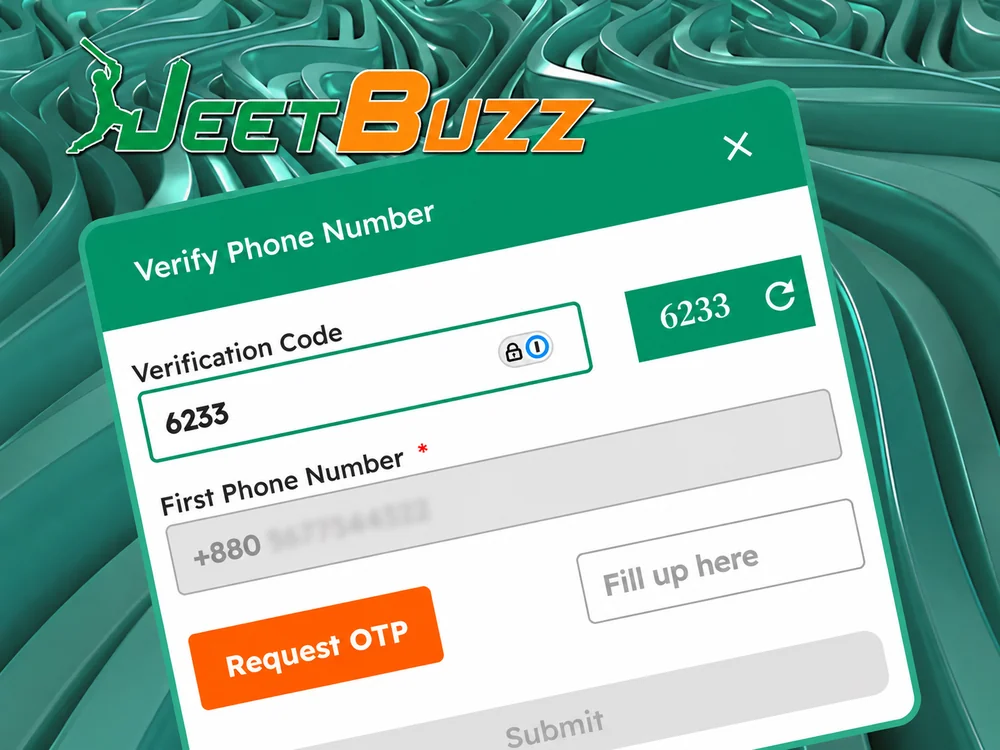
KYC verification is required before your first withdrawal. Standard documents: NID front + back, selfie holding NID, proof of address (bKash statement, electricity bill, bank statement) less than 3 months old. Support helps in three KYC scenarios:
- Document requirements clarification — what specifically counts as proof of address, which NID side they need first, photo quality requirements
- Rejection diagnosis — the rejection email lists the reason; support clarifies how to fix and re-submit
- Status check — KYC published SLA is 24–48 hours; our test was 6 h 53 min. If yours is taking longer, support can confirm queue position
The most common rejection cause is name mismatch — your JeetBuzz profile name must exactly match your NID, including "Md." prefix, middle names, and suffix. Support advises fixing the profile name first (not the NID), then re-submitting documents. Re-submission review is typically faster than the initial review — under 4 hours in our experience.
Mobile App Technical Support
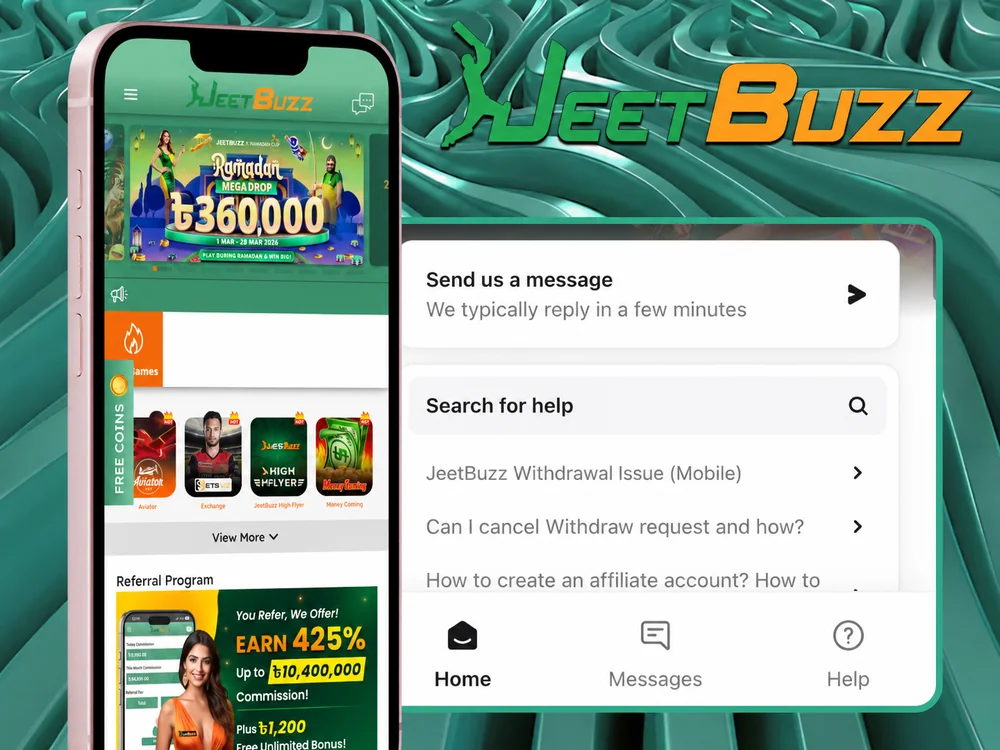
The JeetBuzz Android APK and iOS PWA work on most modern devices, but technical issues do occur. Support handles five main app-related issue types:
- App not installing on Android — usually fixed by enabling "Install from Unknown Sources" in phone settings. Support guides through the toggle if needed.
- App keeps crashing or freezing — clear cache (not data), restart phone, reinstall latest APK. Support walks through each step.
- Login fails despite correct password — sometimes a session/cookie issue; support resets the device session
- App loading slowly — usually network related; support helps distinguish network issue from app issue
- Update not installing — manual APK reinstall guidance; account/balance are preserved
Full app install + troubleshooting guide at jeetbuzzl.com/app/.
Language & Communication
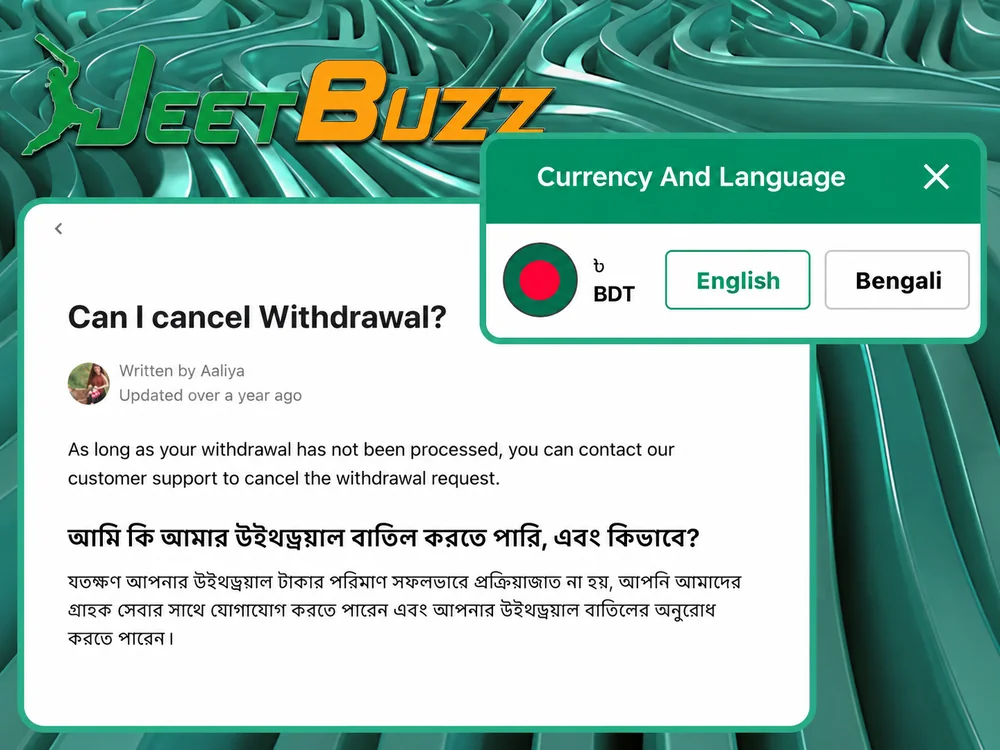
JeetBuzz support is available 24/7 in English and Bengali (বাংলা). Both languages have native-speaker agents — Bengali responses use local idiom, correct script, and proper formatting. This is genuinely uncommon among offshore operators serving Bangladesh; most use either translation tools or Hindi-speaking agents reading off scripts.
How language detection works:
- Live chat auto-detects your message language and routes to an appropriate agent
- You can switch languages mid-conversation if needed; the agent will hand off or continue in the requested language
- Email replies match the language of your incoming message
- WhatsApp / Telegram — write in whichever language is comfortable; agent will respond in same
The first reply may be auto-generated in English (welcome message), but human agents quickly switch to your preferred language. If you receive what appears to be a Google-translated response, ask for a Bengali-speaking agent specifically — they're available on every shift.
Response Time Comparison Across Channels
The table below shows average response times measured during our March 2026 test plus the best-fit use case for each channel:
| Channel | Avg First Response (EN) | Avg First Response (বাংলা) | Best For |
|---|---|---|---|
| Live Chat | 47 sec | 1 min 22 sec | Urgent: stuck deposits, withdrawal status, time-sensitive issues |
| 5–15 min | 5–15 min | Payment confirmations, mid-priority account questions | |
| Telegram | 5–20 min | 5–20 min | Promotions, general questions, want chat history in messenger |
| 30 min – 12 h | 30 min – 12 h | Complex issues with documents, formal complaints, written record needed |
Response times degrade during peak weekend nights (Friday 20:00 – Saturday 02:00 Dhaka time) by roughly 2–3×. If your issue isn't urgent, weekday morning hours (10:00–14:00) consistently give the fastest replies across all channels.
For deposit and withdrawal issues specifically, always start with Live Chat — even on weekend nights it's faster than every alternative. The agent has direct access to your transaction database and can usually resolve payment issues in under 5 minutes once you provide the TrxID.
What Info to Send in Your First Message
The single biggest factor in how fast support resolves your issue is the quality of your opening message. A vague "I have a problem with deposit" can take 20 minutes of back-and-forth to diagnose. A specific message can be resolved in 2 minutes.
For any support contact, always include:
- Account ID or registered phone number — lets the agent pull your account immediately
- Clear one-line description of the issue (e.g. "bKash deposit ৳1,000 made 14:23 not credited")
- Timestamp when the issue occurred (in your local time)
- What you've already tried if you tried self-service first
For payment issues, additionally include:
- Wallet TrxID (bKash: starts with 4XX/5XX, Nagad and Rocket have their own formats)
- Exact amount in BDT (not "around ৳1,000")
- Screenshot of the wallet confirmation (attach in WhatsApp, Email, or in-chat upload)
For KYC issues, additionally include:
- The rejection email (forward it) or the exact rejection reason shown in your account
- Confirmation of which documents you submitted
For bonus issues, additionally include:
- Which bonus you claimed (e.g. "Sports Welcome 77% up to ৳7,777")
- Deposit amount and date
- Screenshot of current wagering progress from Active Bonuses
JeetBuzz Customer Support — Pros & Cons
✅ Pros
- Live chat 47 sec average response (EN) — among the fastest in BD-facing books
- Native Bengali support, not Google-translated
- 4 channels available — pick by urgency and need
- 24/7 every day — including weekends and holidays
- Payment issues prioritised — stuck deposits resolved in 2–5 min with TrxID
- Self-service first for forgot-password, no need to wait for an agent
- Chat history saved to your account for reference
⚠️ Cons
- Response slows 2–3× during peak weekend nights (Fri 20:00 – Sat 02:00)
- First reply is sometimes a templated auto-response in English before human pickup
- Email responses can take up to 12 hours for non-urgent issues
- Complex finance escalations often get bumped from chat to email anyway
- No phone support — chat-only operation
- Telegram channel mixes broadcasts and support — DMs can get lost in promo announcements
Customer Support FAQ
What is the fastest way to contact JeetBuzz support?
Live Chat from the bottom-right widget on the JeetBuzz website or inside the mobile app. Average first response in our March 2026 test was 47 seconds in English and 1 minute 22 seconds in Bengali. WhatsApp and Telegram are slower (5–20 min); email is slowest (30 min to 12 hours). For any urgent issue, especially payment-related, always start with Live Chat.
Is JeetBuzz support really 24/7?
Yes — verified across our test queries placed at 10:00, 15:00, 20:00, 01:30, and weekend mid-day and late night. All four channels operate around the clock every day of the week. Response times slow somewhat during peak weekend nights (Friday 20:00 – Saturday 02:00 Dhaka time) but the channels are always staffed. The fastest absolute window is weekday mornings (10:00–14:00).
What's the JeetBuzz WhatsApp number?
The official JeetBuzz WhatsApp support number for Bangladesh is +60-13-639-8564. Verify the number by checking inside your logged-in JeetBuzz account or on the main jeetbuzzl.com site. If you receive a WhatsApp message from a different number claiming to be "JeetBuzz support" — especially one offering bonus codes or asking for your password — it's a scam. Real JeetBuzz support never asks for your password and never offers "exclusive codes" via direct message.
What is JeetBuzz's official Telegram channel?
@jeetbuzz_official — this is the official channel. The channel publishes promotions, bonus announcements, and tournament news, and you can DM for support questions. Response time is similar to WhatsApp (5–20 min). The channel is verified on Telegram. Beware of impostor channels with similar names — always check that the username matches @jeetbuzz_official exactly.
What's the JeetBuzz support email?
[email protected]. Use this for complex issues requiring attachments — KYC document review, payment receipts, formal complaints. Response time 30 min to 12 hours depending on request complexity and queue. For urgent payment issues, use Live Chat instead — much faster.
Does JeetBuzz support speak Bengali?
Yes — native Bengali-speaking agents are available 24/7 across all four channels. Bengali responses use local idiom, correct script, and proper formatting — not Google-translated. Live chat auto-detects your message language and routes appropriately. If your first reply seems machine-translated, ask for a Bengali-speaking agent specifically — they're available on every shift.
How do I report a stuck deposit?
Wait 5–10 minutes first — about 95% self-resolve in that window. If still stuck: open Live Chat from the JeetBuzz site or app, send a single opening message containing (a) your wallet TrxID (bKash format starts with 4XX or 5XX), (b) exact deposit amount in BDT, (c) approximate timestamp. Support credits the deposit manually within 2–5 minutes once they have the TrxID. NEVER re-send the same amount — risks double-credit + 24–48 h AML hold.
Can JeetBuzz support help with cricket betting questions?
Yes — for platform-level questions (how to find a market, place a bet, use Cash Out, claim a tournament promo). Support cannot give betting advice, predictions, or recommend specific bets — that's against responsible gaming principles and operator policy. For tournament-specific market depth or odds questions, see our cricket page and IPL 2026 guide.
Will JeetBuzz support ever call me on the phone?
No — JeetBuzz operates chat-only support. If you receive a phone call from someone claiming to be JeetBuzz support, it's almost certainly a scam. Real JeetBuzz contact is exclusively via Live Chat, WhatsApp (text only, not calls), Telegram, or email. The +60-13-639-8564 number is a WhatsApp messaging number, not a phone-call line. Never give your password, card details, or KYC documents over a phone call regardless of who claims to be calling.
How long should I wait before contacting support about a withdrawal?
Different categories have different expected timelines. bKash/Nagad/Rocket: 14–60 minutes typical; contact support if more than 90 min. Bank transfer: 2–24 hours; contact if more than 24 h. USDT crypto: 10–30 min; contact if more than 1 h. First withdrawal of all-time: may be 24+ h additional waiting for KYC review; contact if more than 48 h after KYC approval. For any of these, check Withdrawal History inside your account first — the status field often explains the delay.
Can I close my JeetBuzz account through support?
Yes. Email [email protected] from your registered email address with the request "permanent account closure under responsible gaming". Any remaining balance is paid out via your last verified withdrawal method within 5 working days after KYC re-verification. After closure, you cannot re-register from the same device, IP, or NID for 6 months. For temporary self-exclusion (24 h, 7 days, 30 days, 6 months) use the in-account Responsible Gaming menu — these are immediate and cannot be reversed until the period ends.
What if I'm not happy with the support response?
Escalation path: (1) ask the chat agent to transfer your issue to the "advanced team" or "supervisor"; (2) follow up via email to [email protected] with the original chat reference number; (3) for unresolved disputes that the operator declines, you can contact the Anjouan eGaming Authority as the licensing regulator — though dispute resolution there is operator-internal in practice, with no independent ombudsman comparable to MGA or UKGC frameworks. For Bangladeshi players, consult a local lawyer for formal complaints if the dispute involves significant amounts.