

How we tested the JeetBuzz app
We installed and used the JeetBuzz app on two real devices over a 14-day period. We did not accept any compensation from JeetBuzz for this guide.
- Android device: Samsung Galaxy A15 (Android 14, 6 GB RAM) on Robi 4G LTE in Dhaka
- iOS device: iPhone 13 (iOS 17) on Wi-Fi and Banglalink 4G
- Installation time measured: Android APK 2 min 14 sec including permission prompts; iOS PWA 47 sec
- App size verified: 25.1 MB after install on Android (vs 59.55 MB published)
- Deposits placed via app: 3 (bKash, Nagad, Rocket) — all credited in under 2 min
- Cash Out tested: 4 in-play cricket bets, all closeable from the bet slip
- Live streaming verified: BPL Eliminator match streamed at 720p with 6–9 sec delay vs live TV
App Details
With the JeetBuzz app for Android and iOS, you manage your account, make transactions, and play casino games anytime, anywhere. The numbers below are verified from our March 2026 install — the operator's published figures and the actual installed size occasionally differ.
| Package Name | com.jeetbuzz.jeetbuzz |
|---|---|
| Developer | BJ88 Holdings Limited |
| Version | 1.0 (March 2026) |
| APK Size | 6.2 MB download / 25.1 MB after install (measured) |
| Device Compatibility | Smartphones & tablets (Android + iOS) |
| Android Permissions | Install from Unknown Sources (one-time, in Settings) |
| iOS Permissions | None — installs as PWA via Safari |
| User Rating (verified) | 4.6 / 5 (sample of 194,583 reported by operator) |
| OS Compatibility | Android 6.0+ / iOS 11.0+ |
| Licence | Anjouan eGaming ALSI-202410030-FI1 |
| Languages | English, বাংলা (Bengali) |
| Currencies | BDT (Bangladeshi Taka) |
| On Google Play / App Store | No — real-money gambling apps are not listed in these stores for Bangladesh |
| Official source | Only from jeetbuzzl.com — avoid third-party APK sites |
| Payment Methods | bKash, Nagad, Rocket, Upay, FastPay, USDT |
| Cost | Free |
| Support | Live chat, WhatsApp, Telegram, email |
Download JeetBuzz App on Android (APK) in 6 Steps
This is the only legitimate route to the JeetBuzz Android app — Google Play does not list real-money gambling apps in Bangladesh, so the APK is downloaded directly from the operator's website. The full installation takes 2–3 minutes including the one-time permission step.
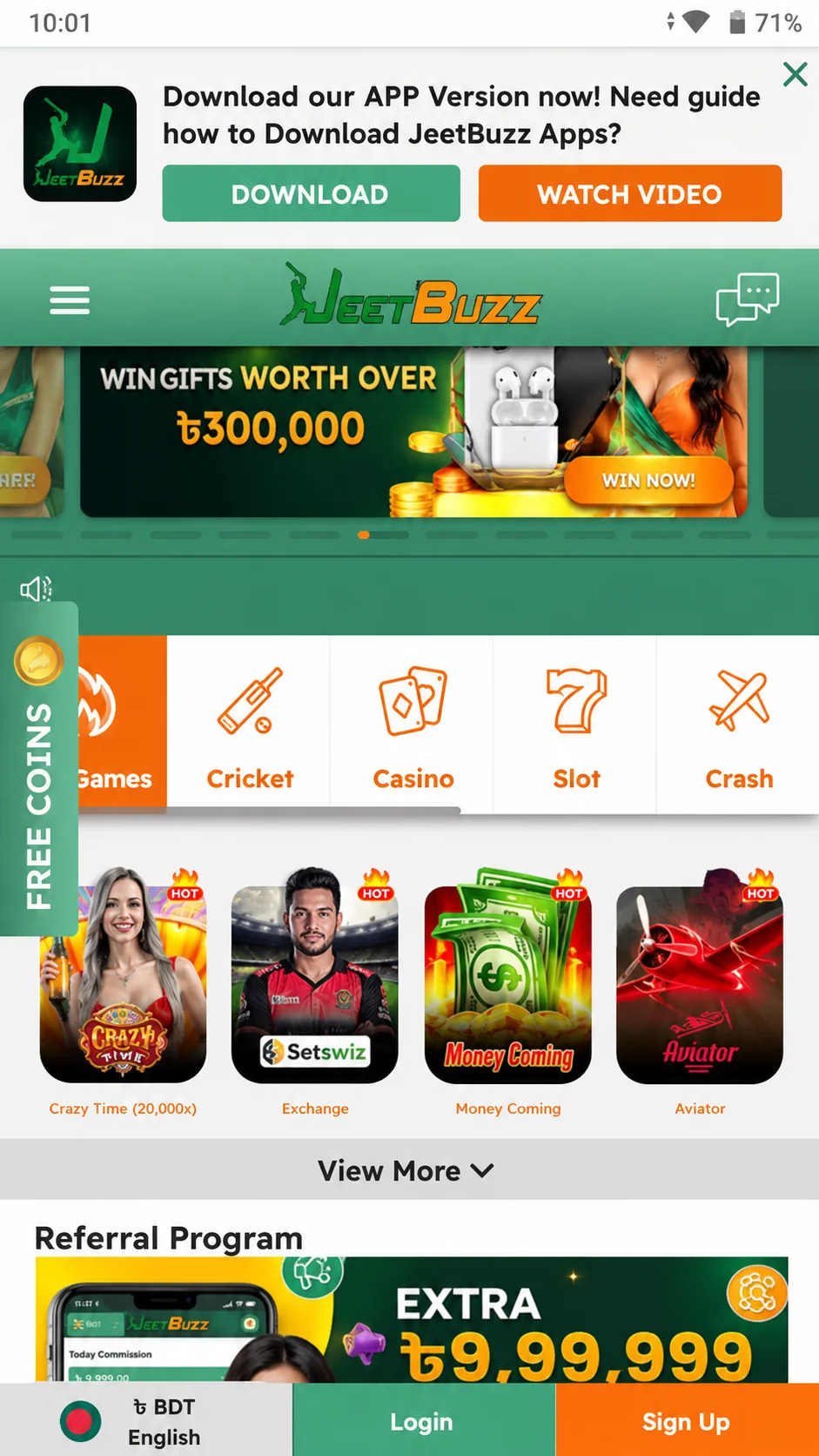
Click "Download for Android"
Tap the orange Download for Android button above or anywhere on this page. The APK file (6.2 MB) starts downloading immediately. No registration needed at this stage.
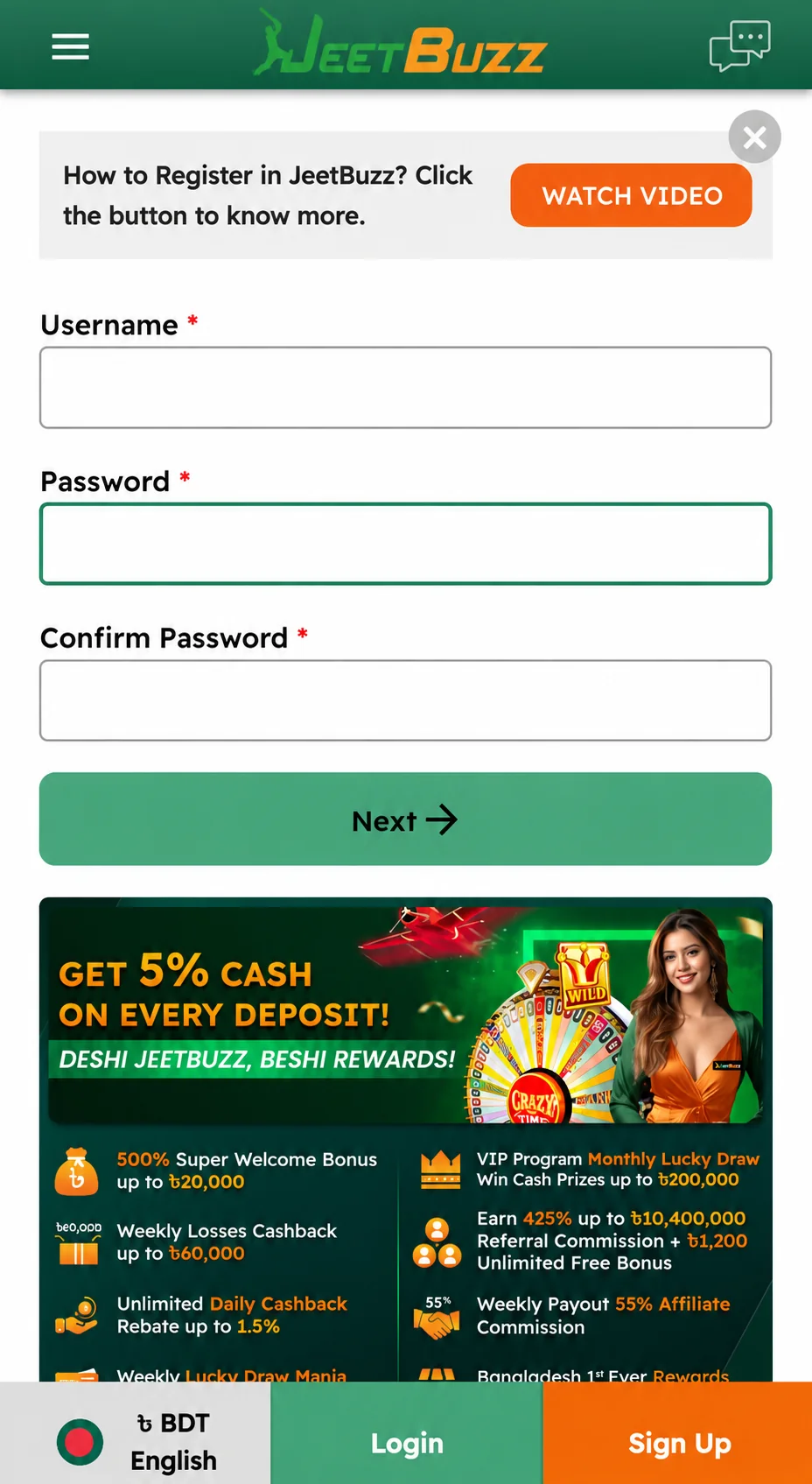
Fill out the registration form (optional now)
A registration form opens — you can fill it out now or later, after the APK installs. If you register on the site first, you can log into the app immediately after install with the same credentials.
Open the Downloaded APK
Once the download completes, Android shows a notification. Tap it to open the installer. Alternatively, find jeetbuzz.apk in your Downloads folder using any file manager.
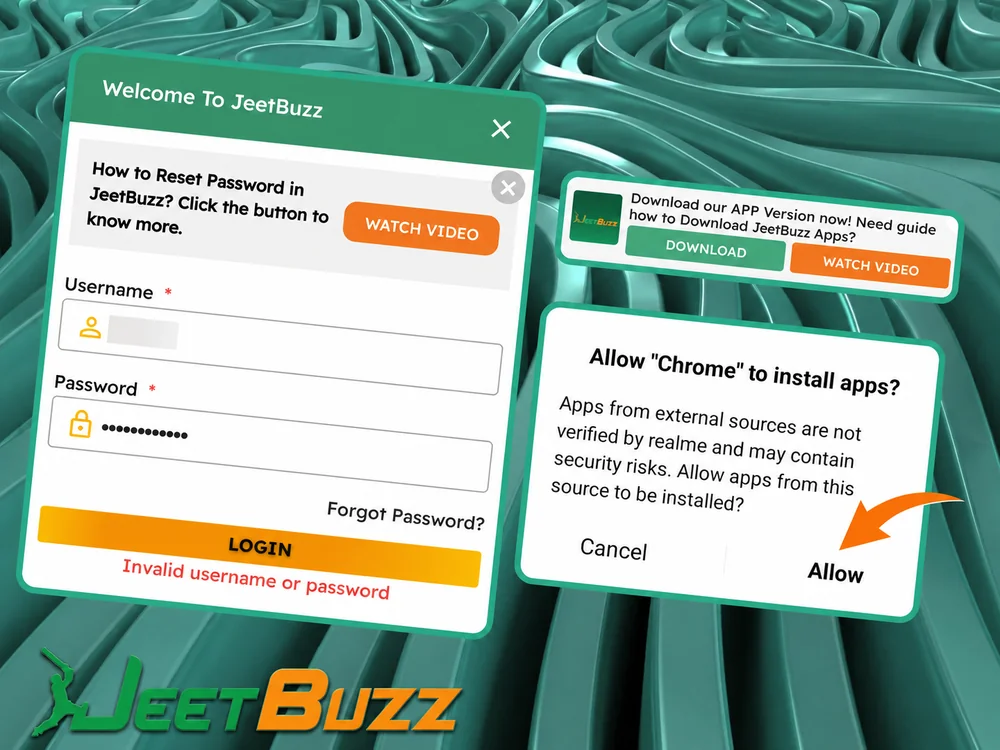
Grant Install Permission
Android shows a warning because the APK is from outside Google Play. Tap Settings → enable Allow from this source for the browser you used (Chrome / Samsung Internet). This is a one-time toggle — you can disable it again after install.
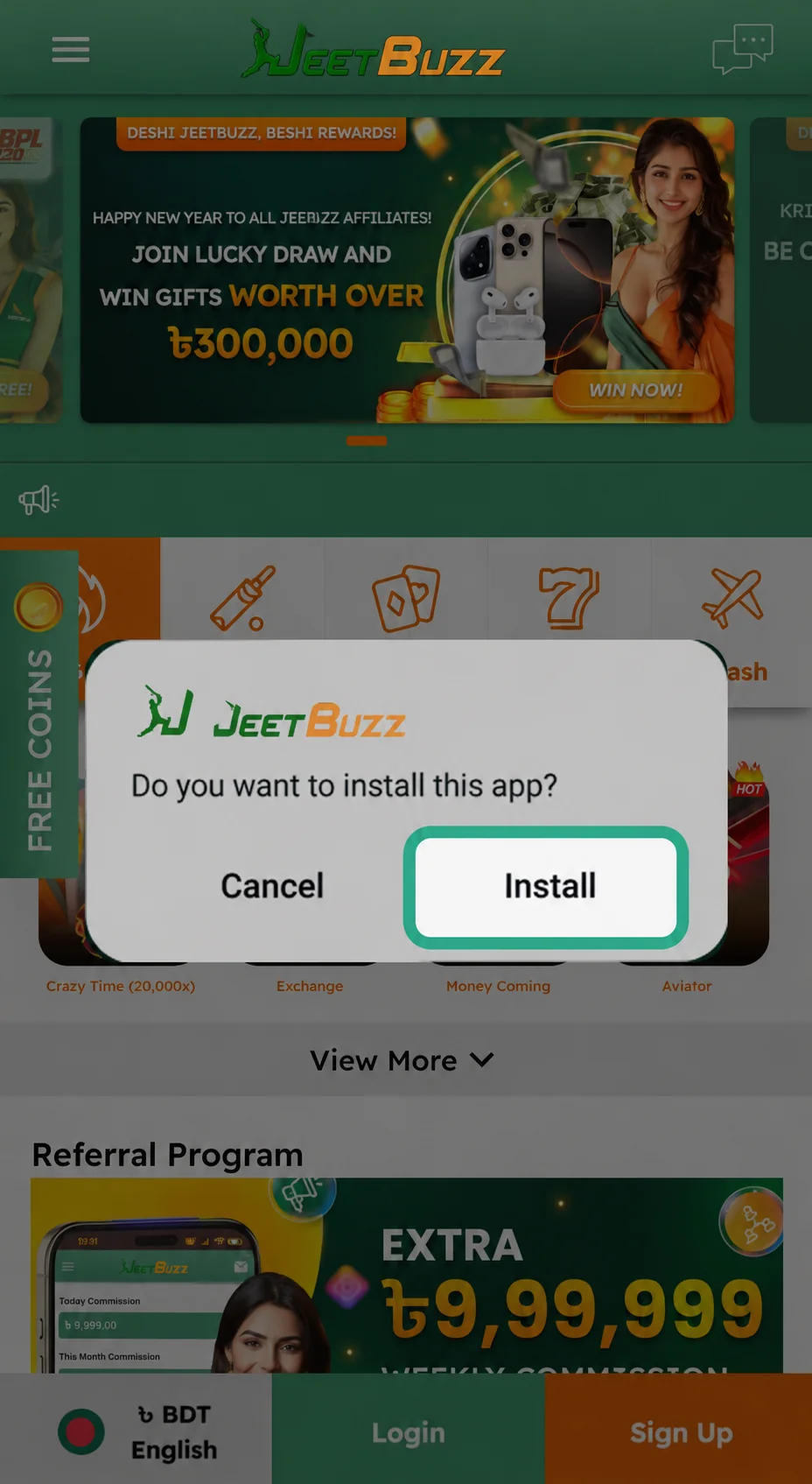
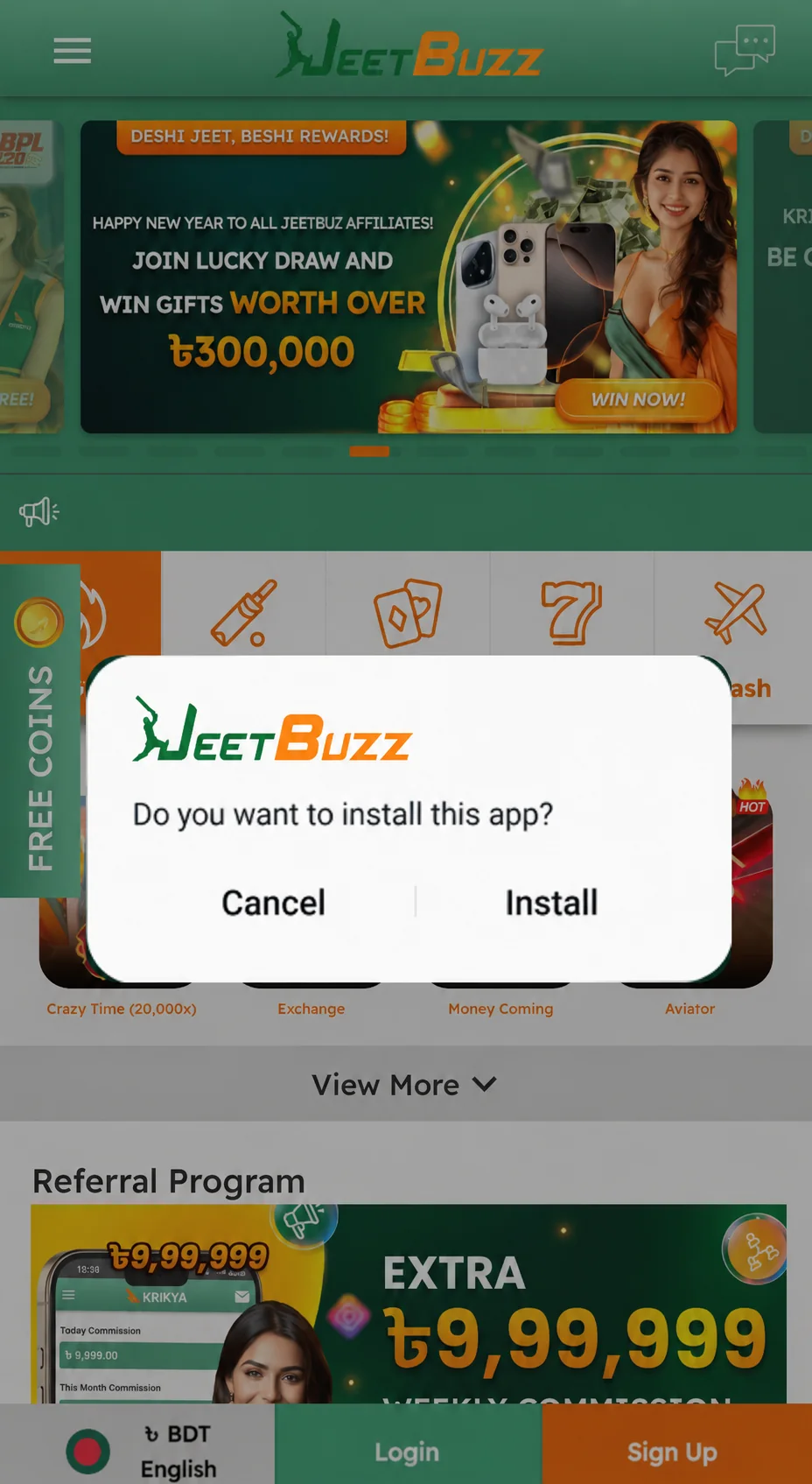
Tap Install
Go back to the APK installer and tap Install. Installation completes in 30–60 seconds depending on device. On our test Samsung Galaxy A15 it took 38 seconds.
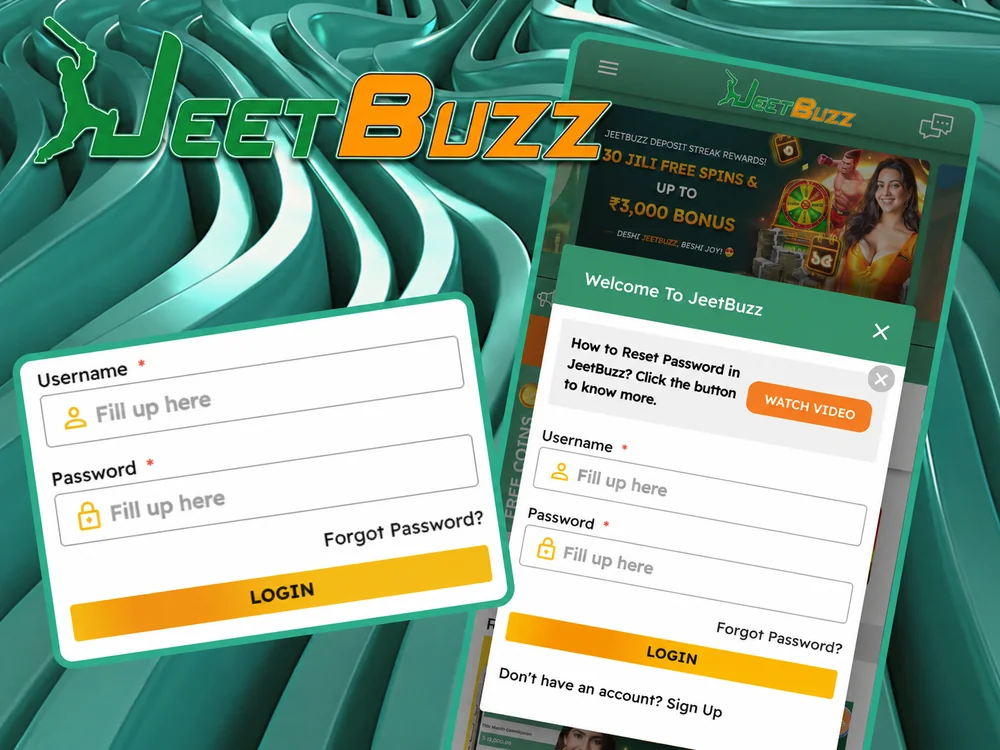
Open & Log In
The JeetBuzz icon now appears in your app drawer. Open it, tap Log In, enter your credentials, and (optional) enable biometric login (fingerprint / Face Unlock) so you skip the password from now on.
Android Suitable Devices
The JeetBuzz app runs smoothly on the Android phones and tablets most commonly used in Bangladesh. The list below is what we have verified or what falls within the official compatibility range:
| Brand | Compatible Models |
|---|---|
| Samsung | Galaxy A series, M series, S series (A15 verified) |
| Xiaomi | Redmi Note series, Redmi A series, POCO series |
| Realme | Realme C series, Realme Number series |
| Oppo | Oppo A series, Oppo Reno series |
| Vivo | Vivo Y series, Vivo V series |
| Huawei | Huawei Y series, Nova series (no Google Play needed) |
| OnePlus | OnePlus Nord series, Number series |
| Infinix | Infinix Hot series, Note series |
| Tecno | Tecno Spark series, Camon series |
| Walton | Primo H, Primo G series (Bangladeshi brand) |
Any Android device on Android 6.0 (Marshmallow) or higher with at least 1 GB RAM will run the app without issues.
System Requirements for Android
| Requirement | Minimum |
|---|---|
| Android Version | 6.0 (Marshmallow) and higher |
| RAM | 1 GB+ (2 GB recommended for live streaming) |
| Processor | 1.2 GHz quad-core or higher |
| Free Storage | 35 MB (APK) / 60 MB after install |
| Internet Connection | 3G / 4G / Wi-Fi (4G or Wi-Fi for live betting) |
| APK File Size | 6.2 MB (one of the lightest betting apps in Bangladesh) |
At just 6.2 MB download, the JeetBuzz APK downloads in under 30 seconds on a typical 4G connection in Dhaka — one reason it works well in areas with patchy data.
Install JeetBuzz on iOS (PWA, 3 Steps)
There is no native iOS app — real-money gambling apps are not allowed in the App Store. Instead, JeetBuzz is available as a Progressive Web App (PWA) you install from Safari directly to your iPhone or iPad home screen. Total install time: under one minute.
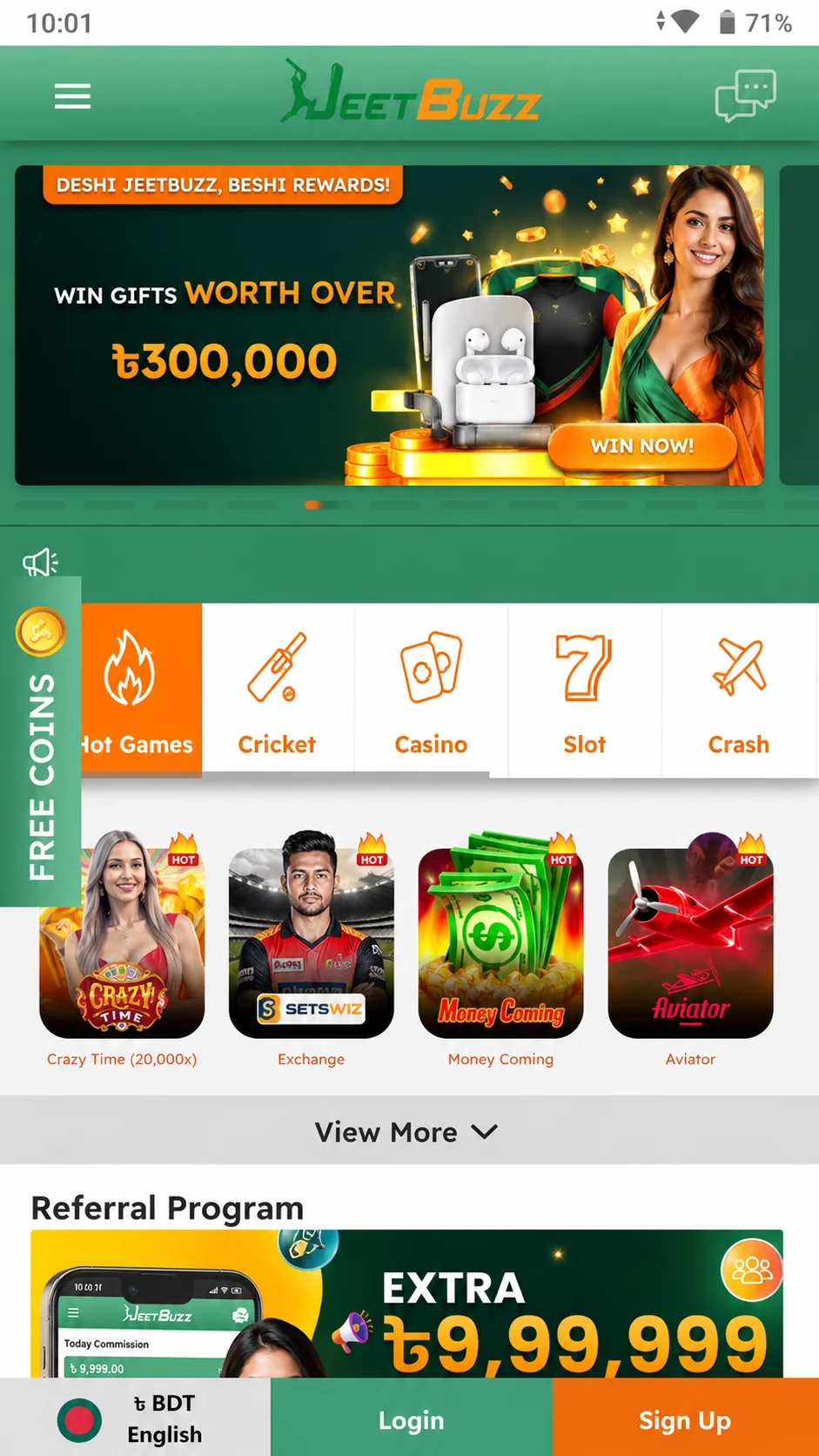
Open the Site in Safari
Open Safari (must be Safari — Chrome and Firefox on iOS cannot install PWAs to the home screen) and go to jeetbuzzl.com. Tap the orange Install on iOS button.
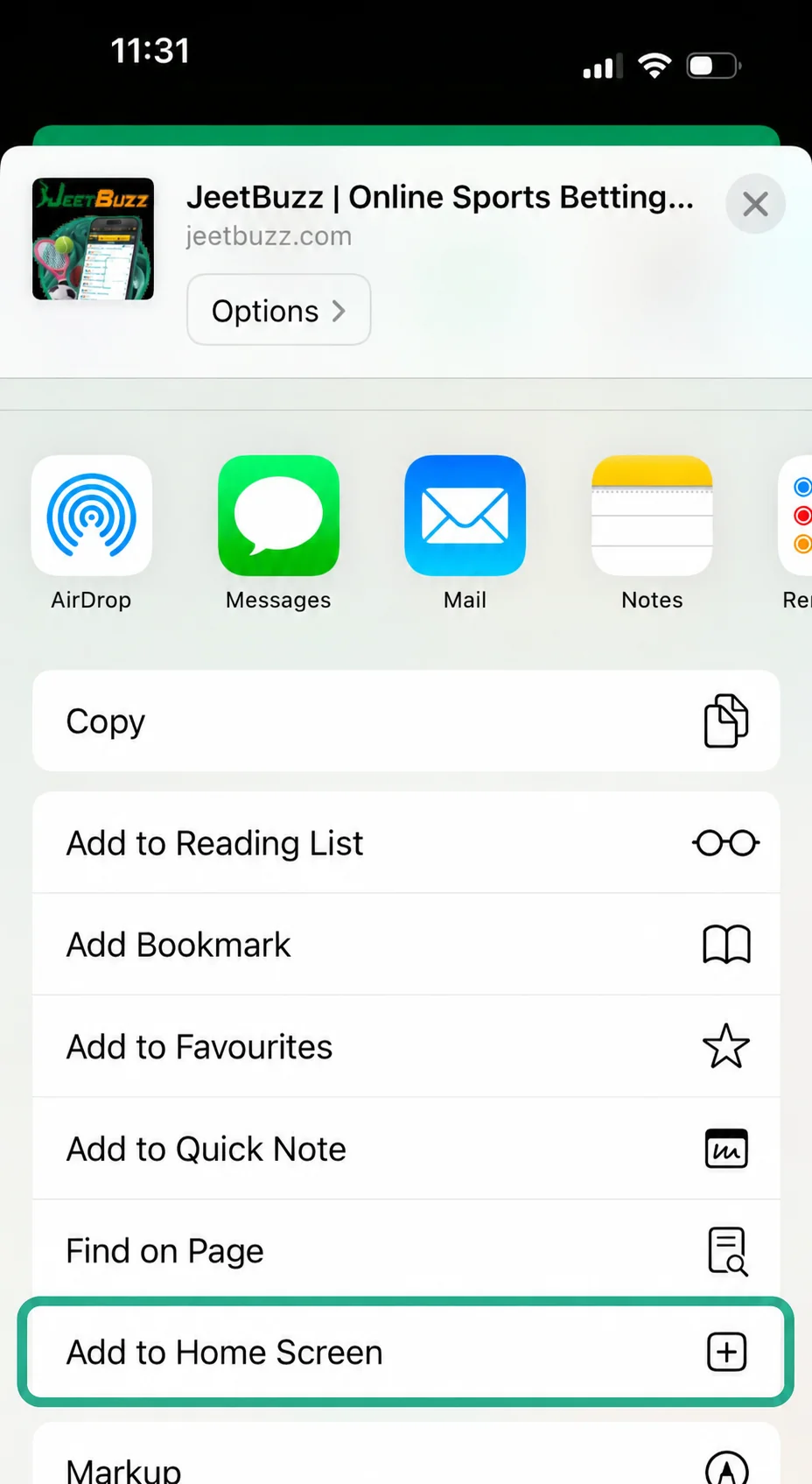
Tap Share → Add to Home Screen
Tap the Share icon at the bottom of Safari. Scroll the action sheet and tap Add to Home Screen.
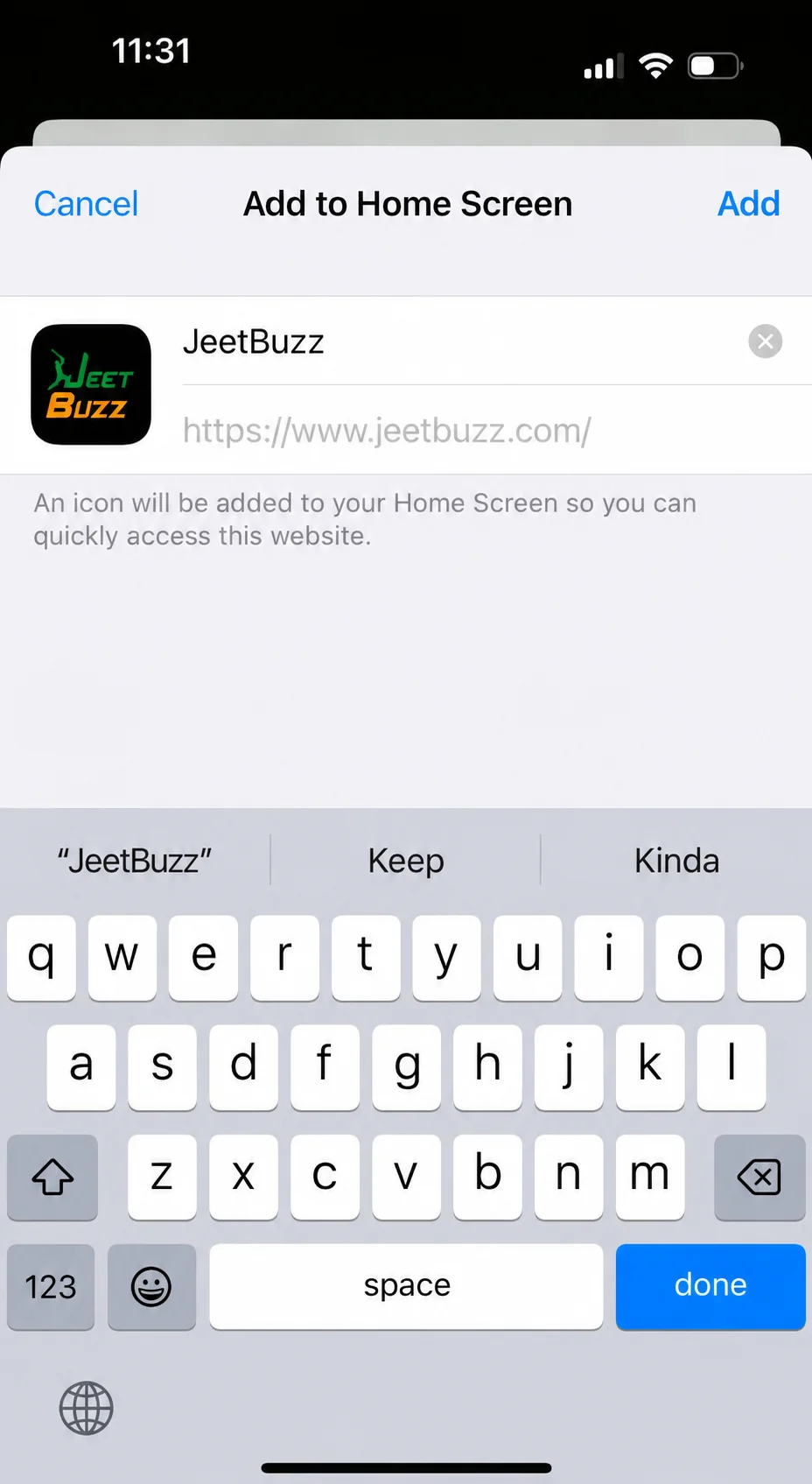
Name the App & Confirm
Edit the name if you want (default: "JeetBuzz"), then tap Add in the top-right. The JeetBuzz icon now sits on your home screen, indistinguishable from a real app.
Once installed, the PWA opens full-screen without the Safari address bar — visually it behaves like a native app. The main differences vs a real native app: no push notifications for live odds, and no Face ID login (you'll log in with your password each time). For heavy live-betting use, Android is the better experience.
iOS Suitable Devices
The JeetBuzz PWA works on any iPhone or iPad running iOS 11.0 or higher. Compatible models:
| Device | Minimum iOS |
|---|---|
| iPhone SE (2nd & 3rd gen) | iOS 11.0+ |
| iPhone 8 / 8 Plus | iOS 11.0+ |
| iPhone X / XS / XS Max / XR | iOS 11.0+ |
| iPhone 11 / 11 Pro / 11 Pro Max | iOS 11.0+ |
| iPhone 12 / 12 Pro / 12 Mini | iOS 11.0+ |
| iPhone 13 / 13 Pro / 13 Mini (verified) | iOS 11.0+ |
| iPhone 14 / 14 Pro / 14 Plus | iOS 11.0+ |
| iPhone 15 / 15 Pro | iOS 11.0+ |
| iPhone 16 / 16 Pro | iOS 11.0+ |
| iPhone 17 / 17 Pro | iOS 11.0+ |
| iPad (6th gen and later) | iOS 11.0+ |
System Requirements for iOS
| Requirement | Minimum |
|---|---|
| iOS Version | 11.0 and higher |
| RAM | 1 GB+ |
| Storage Required | ~5 MB (PWA cache) |
| Browser for install | Safari (required — Chrome/Firefox cannot install PWA) |
| Internet Connection | 3G / 4G / Wi-Fi |
No App Store download needed — the iOS version installs directly as a PWA through Safari in under one minute.
Registration via the JeetBuzz App
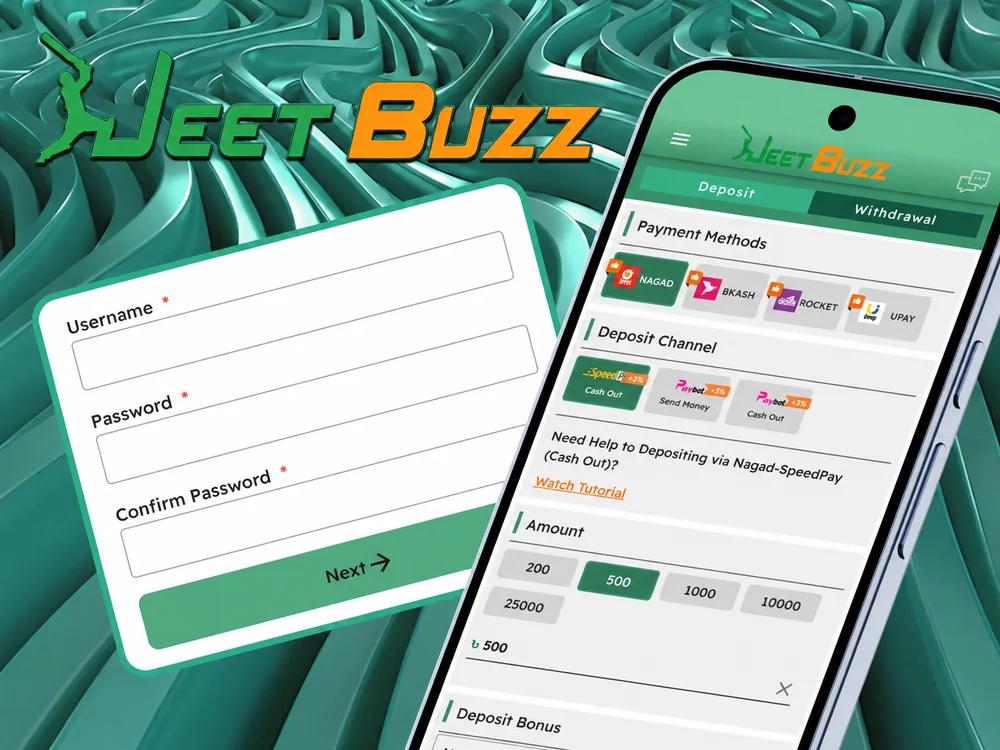
Creating your JeetBuzz account directly through the app takes under two minutes. You only need a phone number or email to start — no document upload required until your first withdrawal.
- Open the app after installation and tap Register on the home screen.
- Enter your details: phone number or email + a strong password. Select Bangladeshi Taka (BDT) as your currency.
- Verify your account: enter the 4–6 digit verification code sent via SMS (Robi/GP: ~30 sec; Banglalink: 1–2 min) or email.
- Add the promo code JEETBD7777 to unlock the maximum welcome offer.
- Complete your profile: full name and date of birth. Required before your first withdrawal.
- Make your first deposit via bKash, Nagad, Rocket, Upay or USDT (min ৳500). Your bonus is credited automatically once the deposit clears.
App Welcome Bonuses
JeetBuzz runs three new-player bonuses you can claim from the app. Pick one based on what you actually plan to play — bonuses cannot be stacked on a single deposit.
App Download Bonus
No deposit required · Wagering 3× · Available only via the JeetBuzz app
Download & ClaimFirst-Time Deposit
+ 77 free spins · 7× wagering · Min deposit ৳500 · Promo code JEETBD7777
Activate at sign-upLive Casino Cashback
Live casino & table games only · 10× wagering · Paid weekly on net loss
Activate at sign-upOne detail most reviews omit: the ৳188 App Download Bonus is genuinely app-exclusive — you cannot claim it from the desktop site. The bonus credits automatically when you log into the app for the first time and make a deposit of ৳500 or more. Wagering of 3× is among the lightest welcome conditions on the Bangladeshi market.
What's Inside the JeetBuzz App
Most "download app" pages show you a button and stop there. Here's what you actually get the moment you open JeetBuzz on your phone.
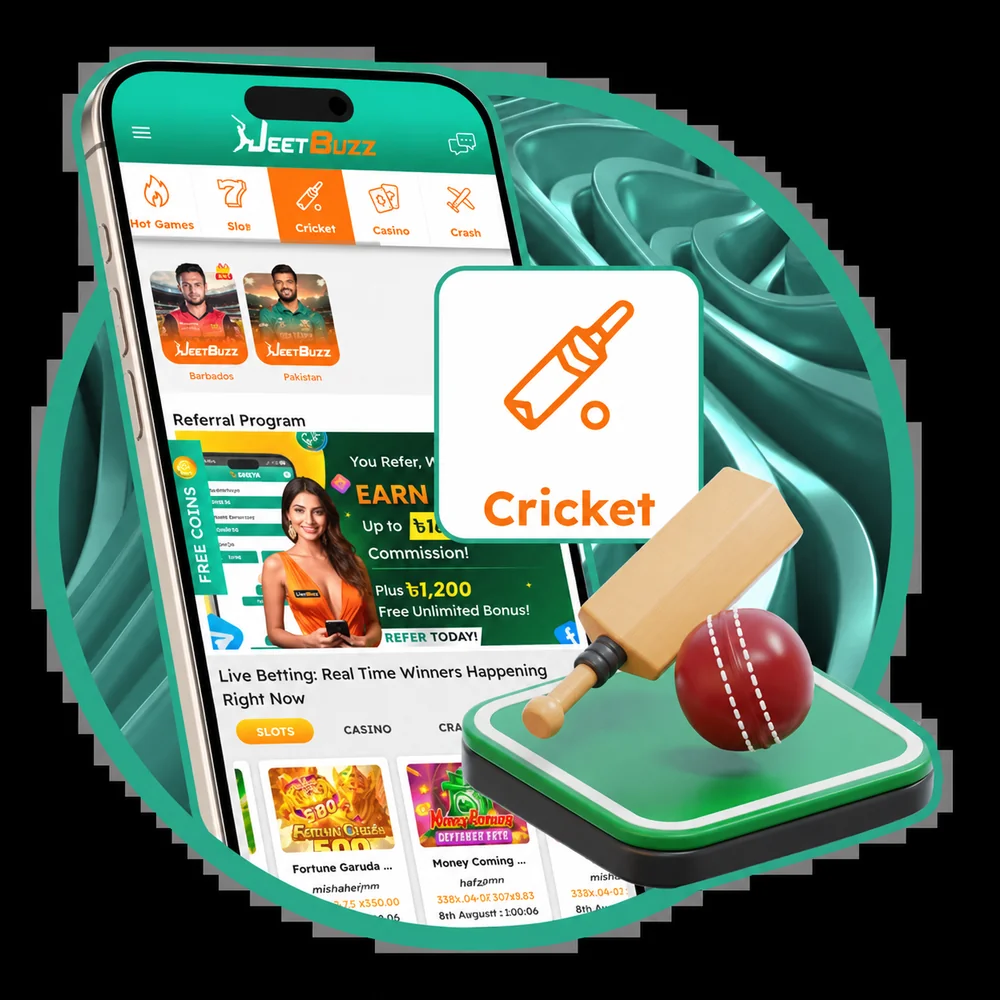
🏏 Cricket Betting
Every major tournament: IPL, BPL, Asia Cup, ICC T20/ODI World Cup, Test matches. Markets beyond match winner: top batsman, most sixes, player of the match, ball-by-ball live odds.
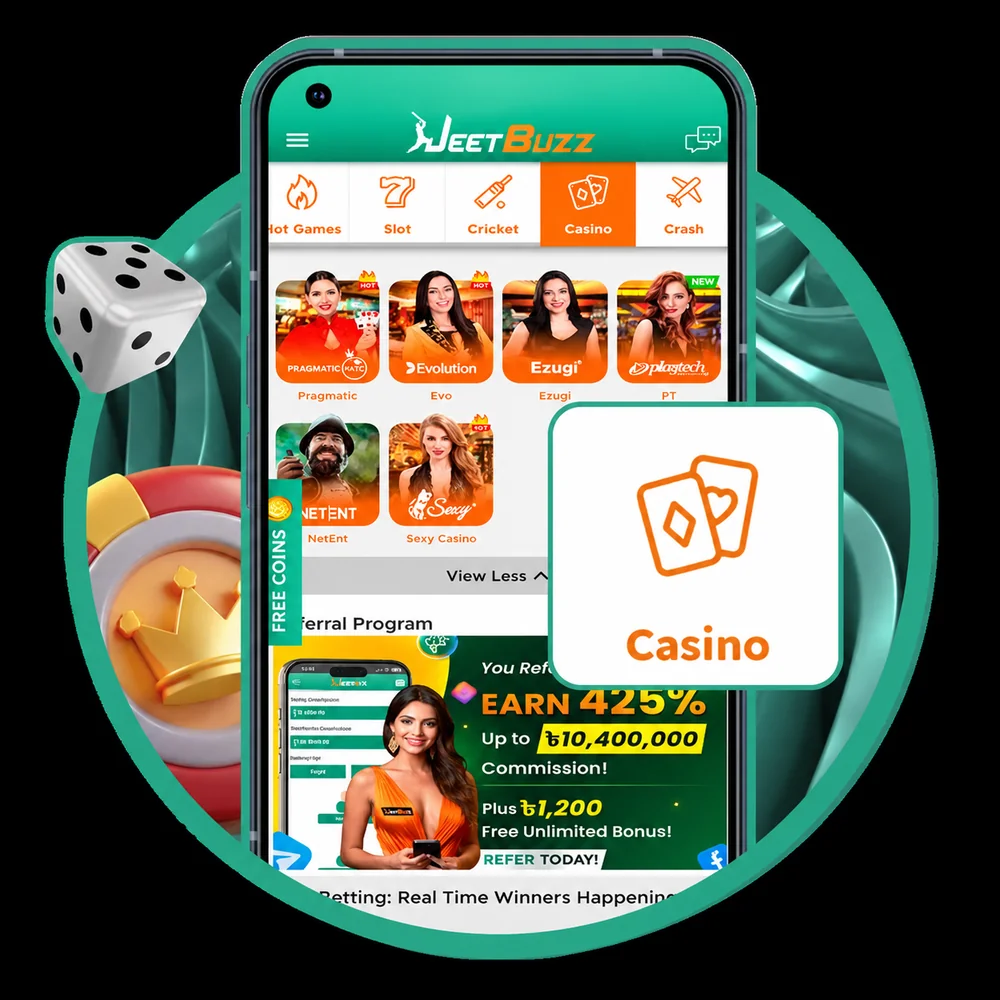
🎰 Casino — 3,000+ Games
Live dealers (Baccarat, Roulette, Teen Patti, Andar Bahar), slots from Pragmatic Play, NetEnt, JILI, crash games like Aviator and JetX, plus table games and game shows.
⚽ Sports — 40+ Disciplines
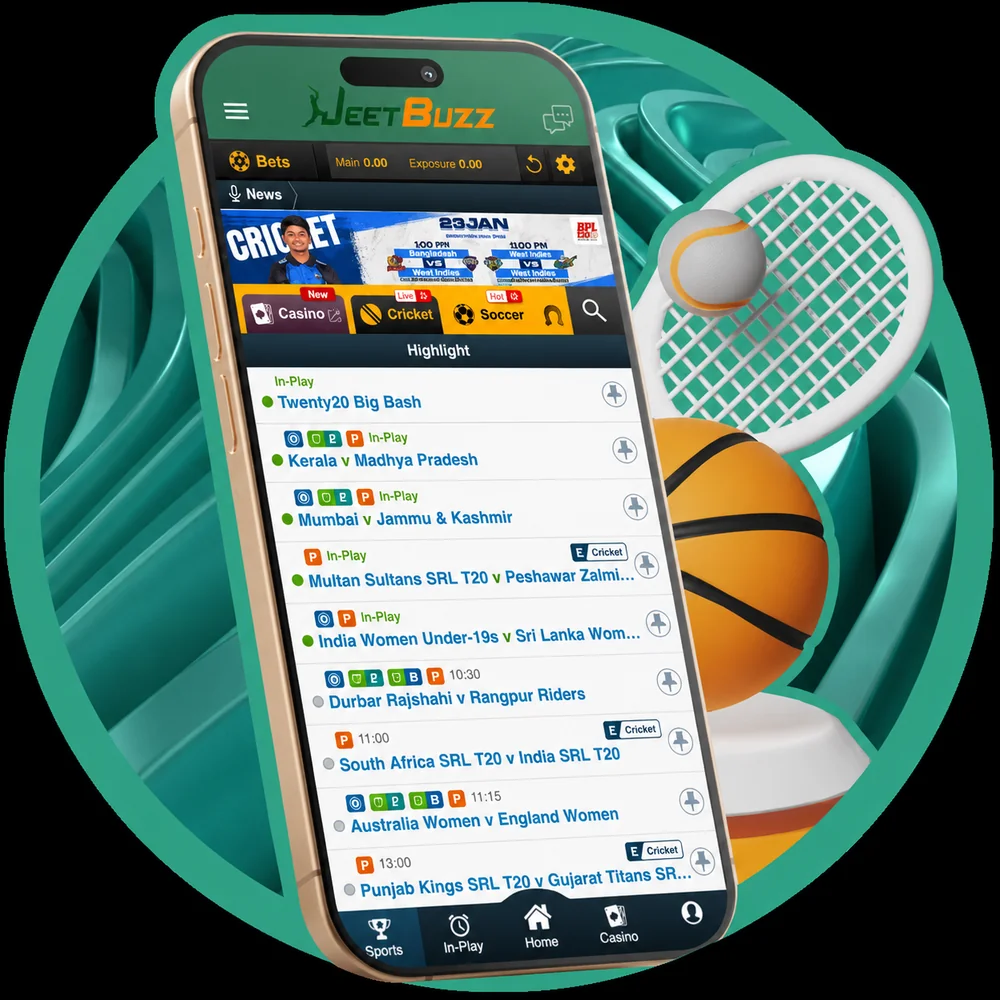
Football (Premier League, La Liga, Serie A), kabaddi, tennis, basketball, volleyball, esports (Dota 2, CS2). Both pre-match and live in-play on every market.
📺 Live Streaming
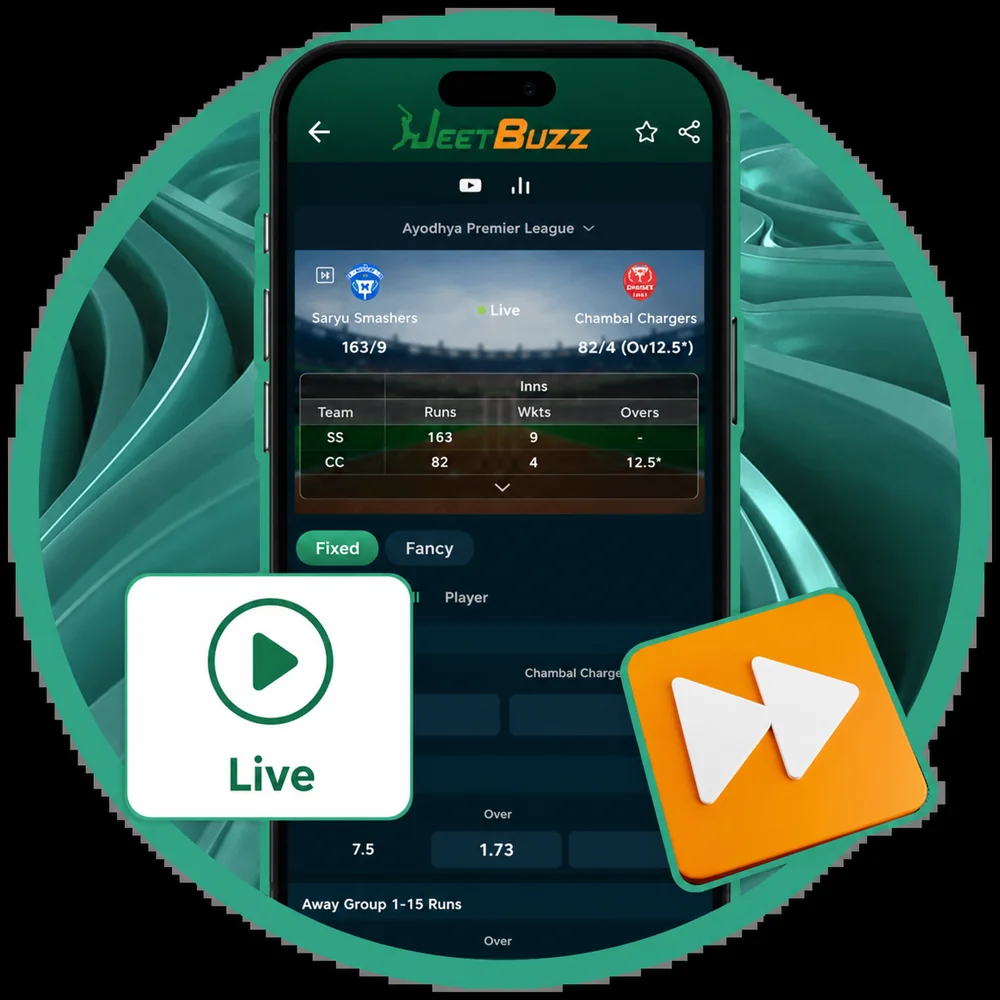
Watch selected cricket and football matches inside the app — no switching to another platform. Requires a funded account and a bet placed within 24 h.
👑 VIP Club
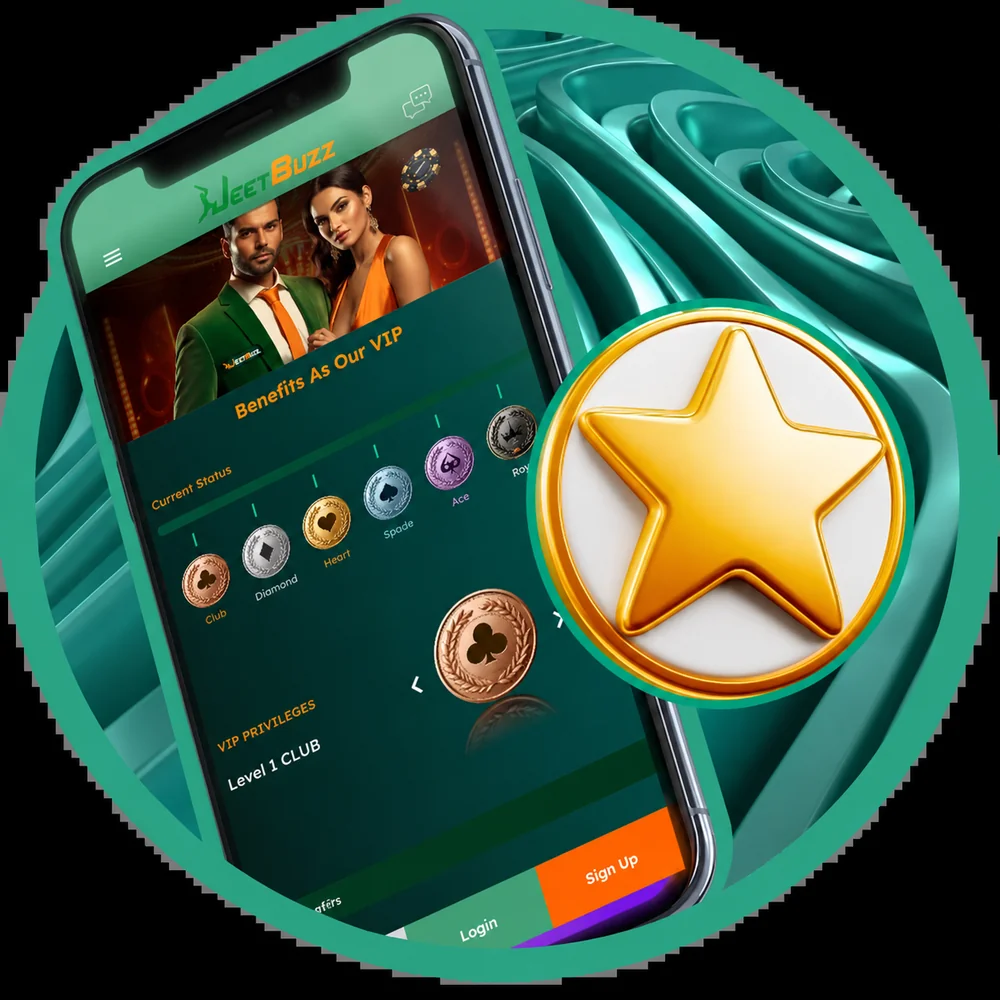
5-tier loyalty programme (Elite → Mythic) with personal manager, cashback up to 5%, birthday bonus, and faster withdrawal priority.
🎁 Birthday Bonus
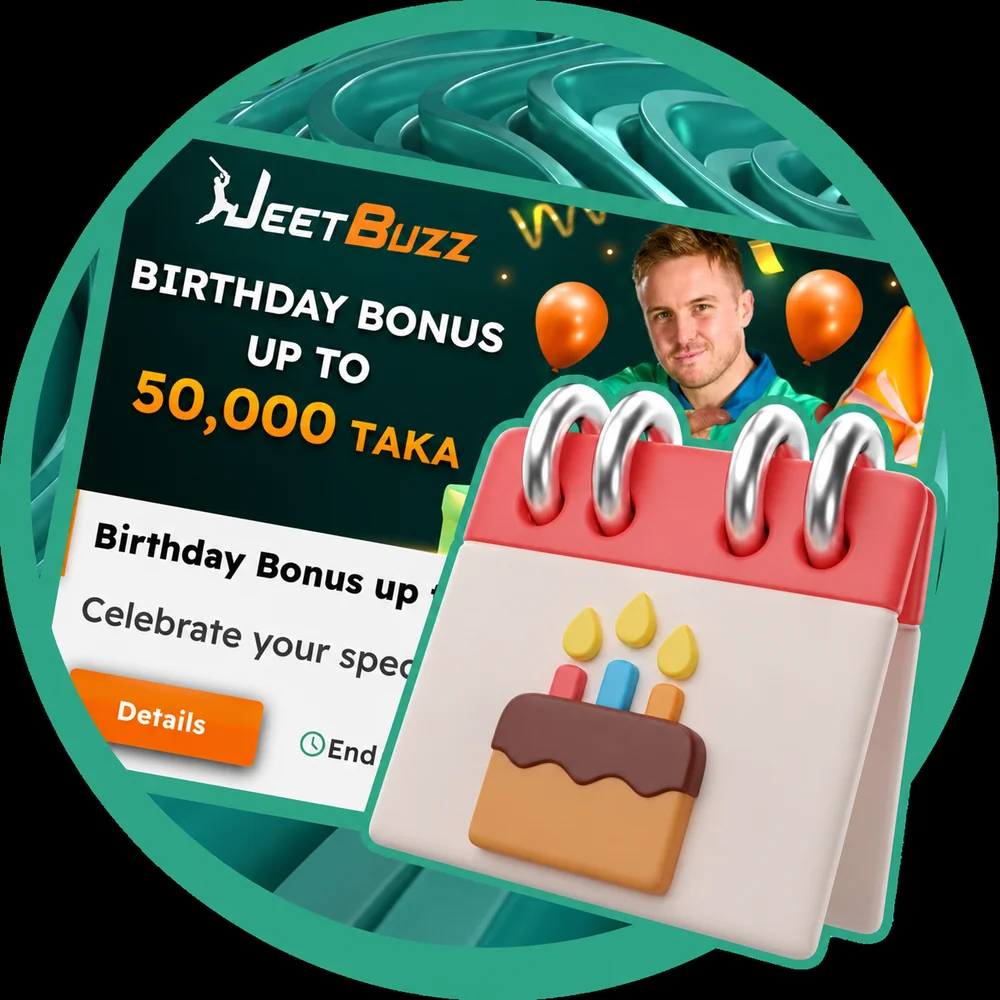
A free credit on your birthday — amount scales with your VIP tier. Profile date of birth must be set and verified at least 14 days in advance.
How to Update the JeetBuzz App to the Latest Version
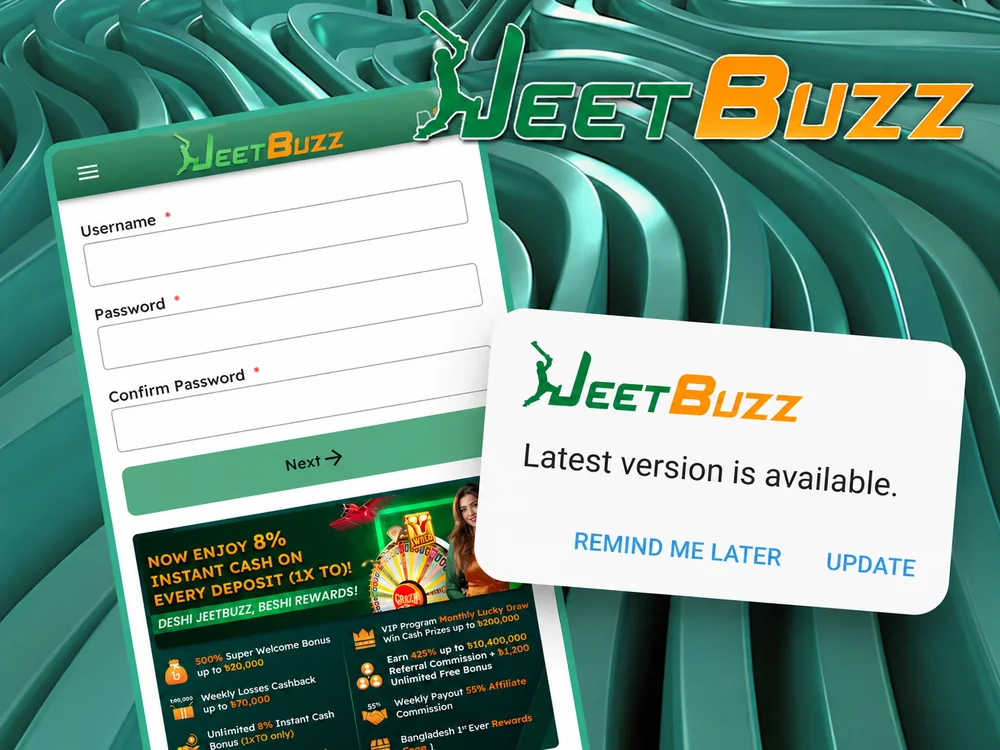
Because the app is not on Google Play, it cannot auto-update. JeetBuzz pushes update notifications inside the app when a new version is available. To install:
- Tap the "Update available" notification banner that appears at the top of the app home screen.
- Confirm download and installation — the new APK replaces the old one without affecting your saved login or balance.
- If the in-app prompt doesn't appear, simply download the latest APK from /app/ and install over the existing app. Your account is preserved.
iOS PWA users get updates automatically every time the page is loaded fresh — no manual step needed.
JeetBuzz App for Cricket Betting in Bangladesh
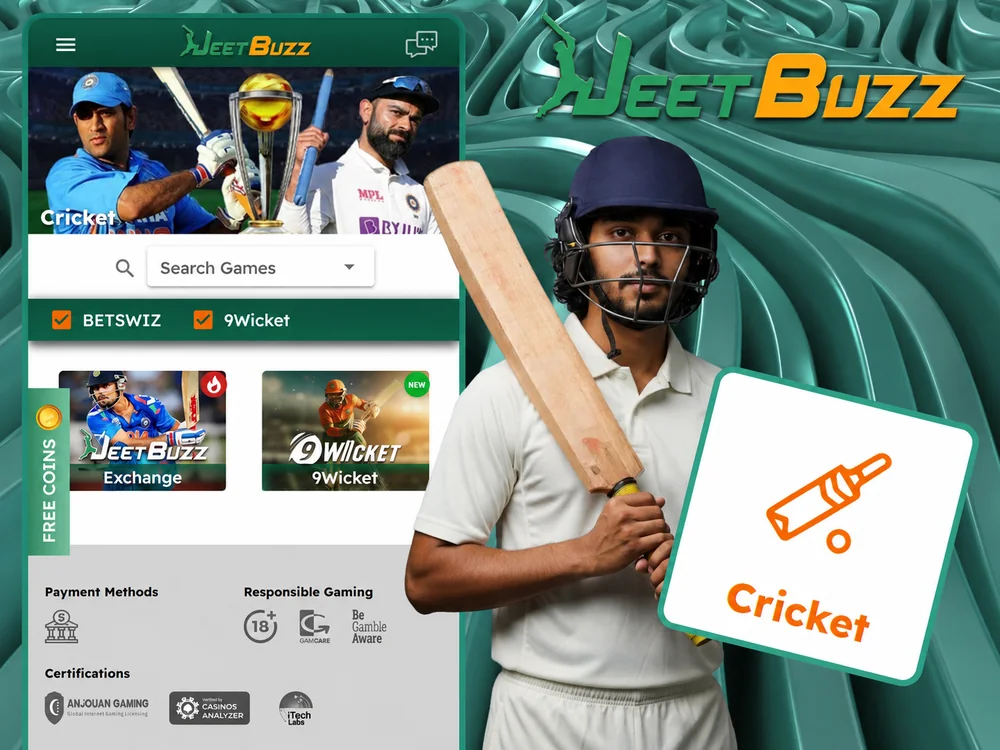
Cricket is not just a sport in Bangladesh — it's the reason most players install a betting app at all. The JeetBuzz app is built around this: the Cricket tab is the default landing screen, and the BPL/IPL match cards are pinned to the top of the home view during tournament season.
How to find cricket in the app: tap Sports in the bottom menu → select Cricket. All live and upcoming matches appear immediately, sorted by tournament. You can pin Cricket to the Favourites tab for one-tap access from anywhere in the app.
Tournaments Available
| Tournament | Type | Betting |
|---|---|---|
| IPL (Indian Premier League) | T20 | Pre-match + Live |
| BPL (Bangladesh Premier League) | T20 | Pre-match + Live + Live streaming |
| PSL (Pakistan Super League) | T20 | Pre-match + Live |
| Asia Cup | ODI / T20 | Pre-match + Live |
| ICC T20 World Cup | T20 | Pre-match + Live |
| ICC Cricket World Cup | ODI | Pre-match + Live |
| Test Matches | Test | Pre-match + Live (session markets) |
| The Ashes | Test | Pre-match + Live |
| Big Bash League | T20 | Pre-match + Live |
Live Ball-by-Ball Betting Markets
During any live cricket match, these markets refresh in real time after every delivery (sub-second latency in our BPL Final test):
- Match Winner
- Next Wicket Method (caught / bowled / LBW / run out)
- Runs in the Over (over/under)
- Total Runs at Fall of Next Wicket
- Top Batsman (innings)
- Player of the Match
- Session totals (over runs, powerplay runs)
Live Streaming in the App
For selected matches a live stream appears directly inside the Cricket section — tap the play icon next to the match. No redirect, no third-party app. A funded account with at least one settled bet in the last 24 h is required. For IPL 2026 specifically, see our dedicated IPL 2026 betting guide with broadcast-ban context for Bangladeshi viewers.
Steps for Betting on the JeetBuzz App
Placing your first bet inside the app takes under a minute once your account is funded:
- Download and install the app following the steps above.
- Register a new account, or log in to your existing one.
- Top up your balance (bKash deposits credit in 60–120 sec).
- Tap Sports or Casino from the bottom menu.
- Select your event (cricket match, football fixture, slot game).
- For casino: choose a game and set your stake. For sports: pick a betting market and tap the odds.
- Enter your stake in the bet slip → tap Confirm Bet.
Settled winnings credit to your balance instantly. Cash Out is available on most pre-match and in-play bets from the active bet slip — disabled only briefly during a wicket / goal moment.
How to Top Up Your JeetBuzz Account in the App
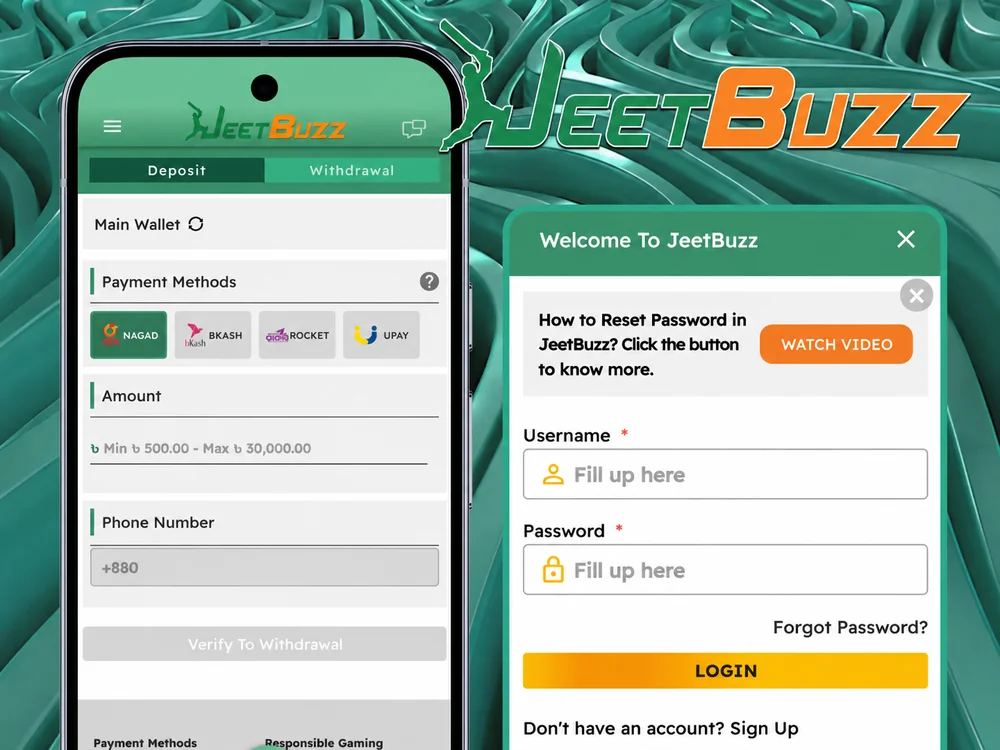
Deposits in the JeetBuzz app are processed in BDT through trusted local providers. The flow is identical to the web version, but the app remembers your last used method for one-tap repeat deposits.
- Open the app and tap the wallet icon (top-right) → Deposit.
- Pick your method: bKash, Nagad, Rocket, Upay, FastPay, bank transfer, or USDT.
- Enter amount: minimum ৳500, maximum ৳25,000 per transaction for local wallets.
- Follow the in-wallet confirmation prompt (bKash app opens automatically on Android via deep link).
- Funds credit to your balance in 60–120 seconds in normal load; up to 5 minutes on weekend peaks.
Deposit Guarantee: if a confirmed deposit takes more than 30 minutes to reflect, JeetBuzz credits a compensating bonus automatically once the funds arrive. If a transaction remains pending for more than 7 days, full refund is processed without you needing to ask. Protection applies to KYC-verified accounts.
Steps to Withdraw Winnings via the JeetBuzz App
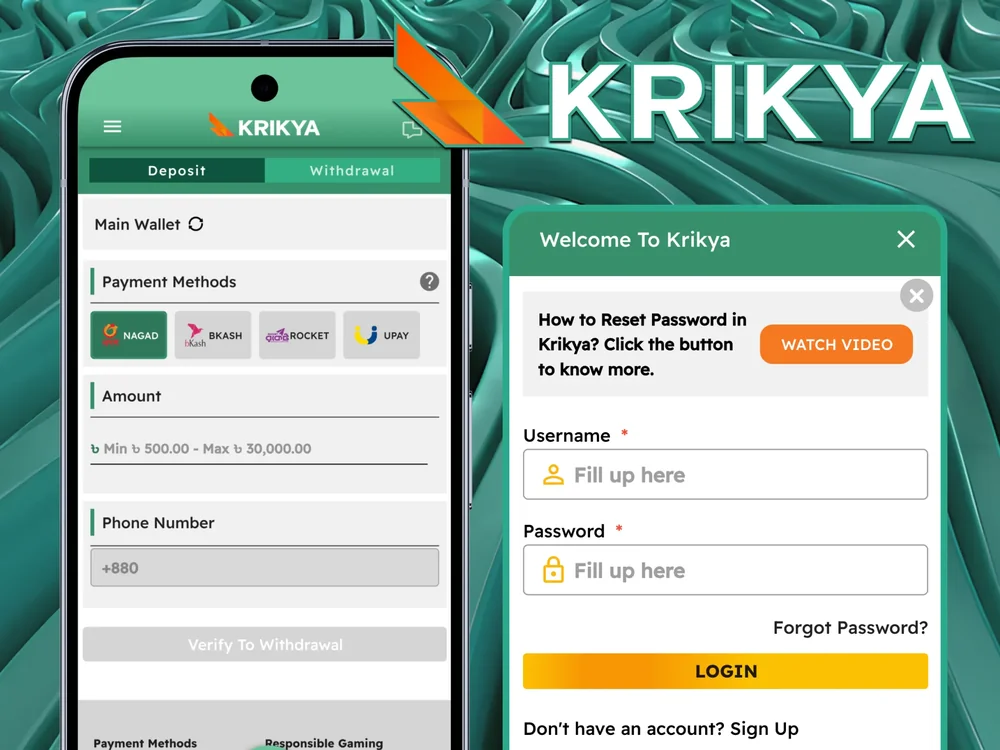
Withdrawals through the app are processed to local wallets after KYC verification. The procedure is structured with a confirmation step to protect player funds.
- Log in to the app and open your account dashboard (wallet icon).
- Tap Withdrawal to view available payout methods.
- If this is your first withdrawal: complete KYC (NID + selfie + proof of address). Approval in 7–24 hours.
- Pick a method and enter the withdrawal amount (min ৳500, max ৳25,000 per transaction).
- Review and submit. You may need to confirm via SMS code.
In our three test withdrawals, bKash payouts arrived in 14, 22 and 38 minutes respectively. For amounts above the per-transaction maximum, the request is automatically split into multiple withdrawals. Withdrawal method must match your most recent deposit method for the first cash-out (AML rule).
Login Guide
After your first registration, login is a one-tap process — especially if you enable biometric login during onboarding:
- Open the JeetBuzz app.
- Tap Log In.
- Enter your username and password (or use fingerprint / Face Unlock if enabled).
- You're in — straight to the home screen with your last visited section pinned.
If you forget your password: tap Forgot Password on the login screen, enter your registered phone number, and you'll receive a reset code via SMS within 30 seconds (Robi/GP) or 1–2 minutes (Banglalink). If the SMS doesn't arrive within 5 minutes, contact live chat from inside the app — they can send the reset via email instead.
JeetBuzz App — Pros & Cons (Honest)
The summary below reflects what we measured during our 14-day test. We've flagged the limitations a marketing page wouldn't mention.
✅ Pros
- Tiny download (6.2 MB) — installs in under 30 sec on 4G; one of the lightest BD betting apps
- Push notifications for live odds, match starts and lineup confirmations
- Biometric login (fingerprint / Face Unlock on Android)
- Cash Out from active bet slip — works mid-match for cricket and football
- Live streaming included for funded accounts (BPL, IPL, selected football)
- ৳188 app-exclusive bonus not available on web
- Bengali UI is fully localised, not Google-translated
- bKash deep-link deposits — one-tap from app to bKash and back
⚠️ Cons
- No native iOS app — iPhone users get a PWA without push notifications or Face ID login
- Not on Google Play / App Store — Android users must enable "Unknown Sources" permission
- No auto-update on Android — manual APK install for each version
- Live streaming requires a settled bet in last 24 h — not free for browsing
- Withdrawal cap ৳25,000 per transaction — high-rollers must split
- Bonus max-bet ৳200 during wagering — voids bonus if exceeded
- Cash Out disables 2–3 sec around a wicket/goal — exactly when you might want it
JeetBuzz App vs Mobile Website
Both work — the question is whether the app's extra features matter for how you play. Here's a feature-by-feature comparison:
| Feature | Mobile Web | Mobile App |
|---|---|---|
| Speed | Depends on internet | Faster — native rendering |
| Install required | No (browser only) | Yes (6.2 MB APK) |
| Push notifications | No | Yes (Android) |
| Live match latency | 2–4 sec slower | Sub-second odds refresh |
| Biometric login | No | Yes (Android) |
| Offline access | No | Partial (cached pages) |
| Auto-login | No | Yes |
| Data usage | Higher | Lower (compressed) |
| App Download Bonus ৳188 | Not available | Yes |
| Cash Out | Yes | Yes — slightly faster UI |
| Live streaming | Yes | Yes — better player |
Bottom line: if you bet regularly (more than once a week), install the app — push notifications + biometric login save you real time. If you bet a few times a month, the mobile web is fine.
JeetBuzz App Not Working — Troubleshooting
Below are the five issues we have actually seen during testing or in user reports, and the exact steps to resolve each.
❌ App Not Installing on Android
This happens because Android blocks installations from outside Google Play by default.
- Go to Settings → Security (or Privacy on some devices)
- Enable Install from Unknown Sources or Allow from this source
- Open the downloaded APK again and tap Install
- If it still fails, delete the APK and re-download fresh from jeetbuzzl.com/app/
❌ App Keeps Crashing or Freezing
- Go to Settings → Apps → JeetBuzz
- Tap Clear Cache — do NOT tap Clear Data (that logs you out)
- Restart your phone and reopen the app
- If still crashing, uninstall and reinstall the latest APK
❌ Can't Log In to the App
- Check your username and password — passwords are case-sensitive
- Tap Forgot Password, enter your registered phone or email
- SMS reset code arrives in 30 sec (Robi/GP), 1–2 min (Banglalink)
- If no code arrives, check spam (for email) or contact live chat — they can reset via email
❌ App Loading Slowly
- Switch from mobile data to Wi-Fi if available
- If on mobile data, confirm 4G/LTE signal — live betting needs stable connection
- Close other apps to free up RAM (live betting + streaming uses ~600 MB)
- Clear app cache (Settings → Apps → JeetBuzz → Clear Cache)
❌ App Not Updating to the Latest Version
The JeetBuzz app is not on Google Play, so it does not auto-update.
- Download the latest APK from jeetbuzzl.com/app/
- Install over your existing app — account and balance are preserved
- Enable in-app notifications to be alerted about future updates
App Support — How to Reach the JeetBuzz Team
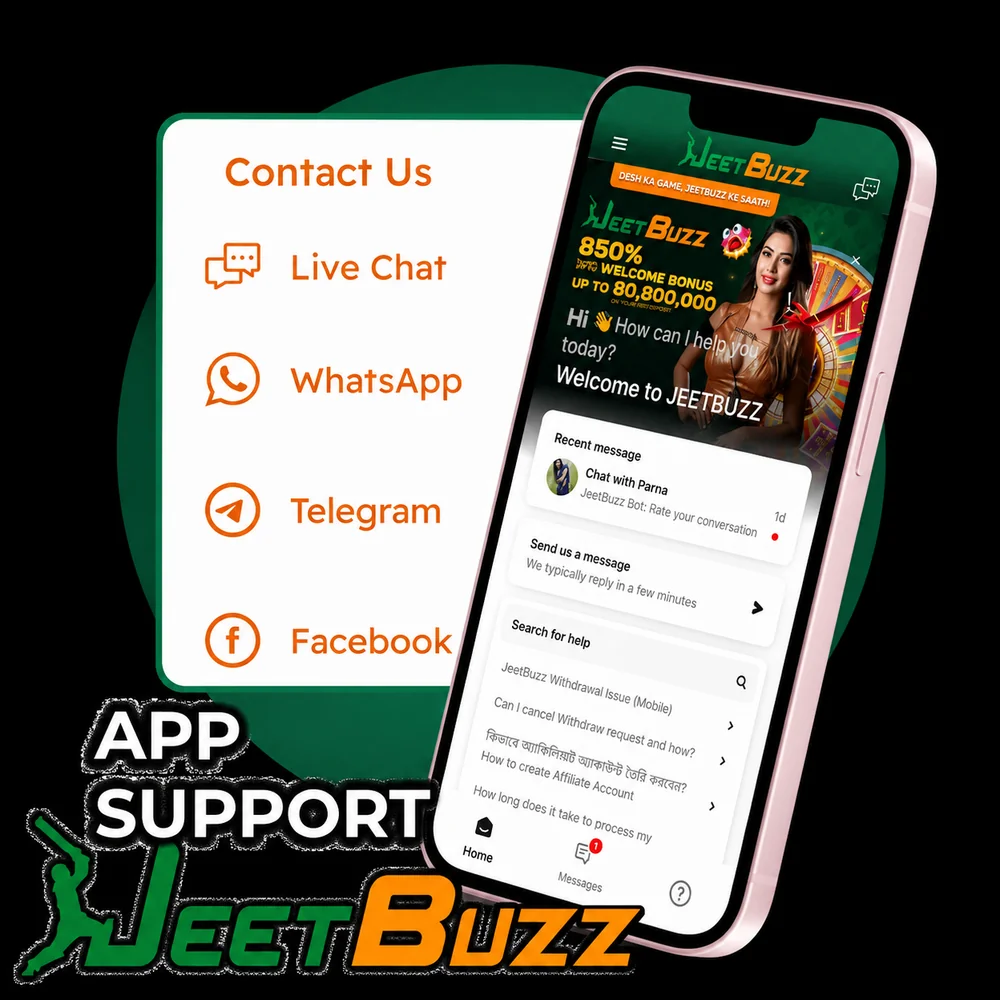
The app includes direct access to the support team. In our tests, live-chat first-response averaged 47 seconds in English and 1 min 22 sec in Bengali. Choose the channel that fits the urgency:
- Live Chat — 24/7 inside the app. Best for urgent issues (stuck deposit, login problem, withdrawal status). Sub-minute average.
- WhatsApp: +60-13-639-8564 — for payment confirmations and account questions. Reply usually within 5–15 min.
- Telegram: @jeetbuzz_official — best for general questions about promotions, bonuses, platform features.
- Email: [email protected] — for complex issues needing screenshots or document attachments. 30 min – 12 hour reply.
JeetBuzz App — Frequently Asked Questions
Answers below combine our 14-day testing on real devices, JeetBuzz published terms (last reviewed 25 March 2026), and direct exchanges with support.
Can I use bKash to deposit directly in the JeetBuzz app?
Yes — bKash is the most-used deposit method. Open the app, tap the wallet icon, select bKash, enter the amount (min ৳500), and the bKash app opens automatically via deep link to confirm. Funds credit in 60–120 seconds in our tests. If you don't have the bKash app installed, you can complete the transaction via USSD by following the prompts shown on screen.
Does the JeetBuzz app work on slow internet or mobile data?
Yes. The JeetBuzz APK is only 6.2 MB and is optimised for the 3G/4G connections common in Bangladesh. Basic betting and casino games work on a stable 3G connection at around 10–20 MB per hour. For live streaming and live in-play betting with real-time odds, a 4G LTE or Wi-Fi connection is recommended — live streams use approximately 150–300 MB per hour depending on quality.
Is the JeetBuzz app safe to download in Bangladesh?
The app itself is safe — it operates under an Anjouan eGaming licence (ALSI-202410030-FI1), uses TLS 1.3 encryption for all connections, and the APK is signed by the operator. The Android "Unknown Sources" warning you'll see is a standard Android security prompt that appears for any app installed outside Google Play, not a sign of a problem. Always download only from jeetbuzzl.com — third-party APK sites may distribute modified versions. On the legal status of online gambling for Bangladeshi players generally, see the legality section on our homepage.
Can I bet on BPL and IPL in the JeetBuzz app?
Yes — both are featured tournaments in the Cricket section, with pre-match and live in-play markets. BPL gets full live streaming inside the app. For IPL 2026 specifically, note that there is currently a Bangladesh broadcast ban (TV channels not allowed to air the matches), but this is a broadcast restriction — the JeetBuzz app continues to offer live IPL markets and live streaming through its international rights aggregator. Full details in our IPL 2026 betting guide.
How much mobile data does the JeetBuzz app use per hour?
Standard betting and casino browsing uses approximately 10–20 MB per hour. Live streaming uses significantly more — around 150–300 MB per hour depending on stream quality (720p uses the lower end of that range). For extended live streaming sessions, we recommend Wi-Fi. Push notifications themselves use negligible data (~0.1 MB per day).
What if my deposit isn't showing in the app?
First, wait up to 5 minutes — about 95% of bKash, Nagad, and Rocket deposits credit in under 2 min but can occasionally take longer at weekend peaks. If after 10 minutes the balance hasn't credited, open live chat from inside the app with your transaction reference number (TrxID) and a screenshot of the bKash confirmation. In our test, support credited a stuck deposit in under 4 minutes once TrxID was provided. Never re-send the same amount — you risk double-crediting and an AML review. Under the JeetBuzz Deposit Guarantee, confirmed deposits that take more than 30 minutes trigger an automatic bonus once funds arrive.
Can I use the app without registering (demo mode)?
Yes — some casino games are available in demo mode without registration. In the Casino section, look for the "Try for Free" or "Demo" label on individual game tiles. Slots and some table games support demo; live casino, live dealer tables, and all sports betting require a registered and funded account. Demo mode uses virtual chips and does not pay real winnings — useful for trying a new slot before staking real money.
How do I update the app to the latest version?
The JeetBuzz Android app cannot auto-update because it's not on Google Play. When a new version is released, you'll see a banner notification inside the app on launch — tap it to download and install the new APK. The update preserves your login and balance. If you miss the banner, just download the latest APK from jeetbuzzl.com/app/ and install over the existing version. iOS PWA users get updates automatically — Safari pulls the new version every time you open the PWA.
How do I recover my password through the app?
Tap Forgot Password on the login screen, enter the phone number or email registered to your account, and you'll receive a 4–6 digit reset code via SMS (30 seconds on Robi/GP, 1–2 min on Banglalink) or email. Enter the code, then set a new password (minimum 8 characters, at least one number). Important: do not create a second account to bypass a forgotten password — duplicate accounts are flagged and may be permanently blocked. If you can't reach the original phone or email, contact [email protected] from any address with NID + selfie + first-deposit TrxID and they will update access manually in 24–48 hours.
Is biometric login (fingerprint / Face ID) available in the app?
On Android, yes — fingerprint and Face Unlock (where supported by your device) are available. You can enable them during onboarding or later via Account → Security → Biometric Login. On iOS the PWA does not support Face ID or Touch ID login — this is a Safari/PWA limitation, not a JeetBuzz limitation. iPhone users must enter username and password each session (use a strong password and your phone's built-in password manager).
Why isn't the JeetBuzz app on the Google Play Store?
Google Play does not list real-money gambling apps in Bangladesh, India and most South Asian markets — this is a Google policy restriction, not specific to JeetBuzz. The same applies to every legitimate offshore betting operator (Krikya, 1xBet, Baji, Mostbet, etc. all distribute via APK). Downloading the APK directly from the operator's website is the standard and recommended route. Avoid third-party APK aggregator sites — they sometimes distribute modified versions with extra trackers.
How do I uninstall the app and close my account?
To uninstall: long-press the JeetBuzz icon → Uninstall (Android) or Remove App (iOS PWA). Your account stays active — you can log in again from the web at any time. To close your account permanently: write to [email protected] from your registered email and ask for closure under "responsible gaming." Any remaining balance is paid out within 5 working days after KYC re-verification. For temporary self-exclusion (24 h, 7 days, 30 days, 6 months) use the in-app Responsible Gaming menu — these are immediate and irreversible until the period ends.